

Blog
Guides, tutorials and comparisons for making AI video and images with VerseIn.

Best AI Image Generators in 2026, Compared
Compare 2026's AI image generators by job (text, art, logos, product shots, editing) plus the license and free-tier fine print.
Versein Team ·
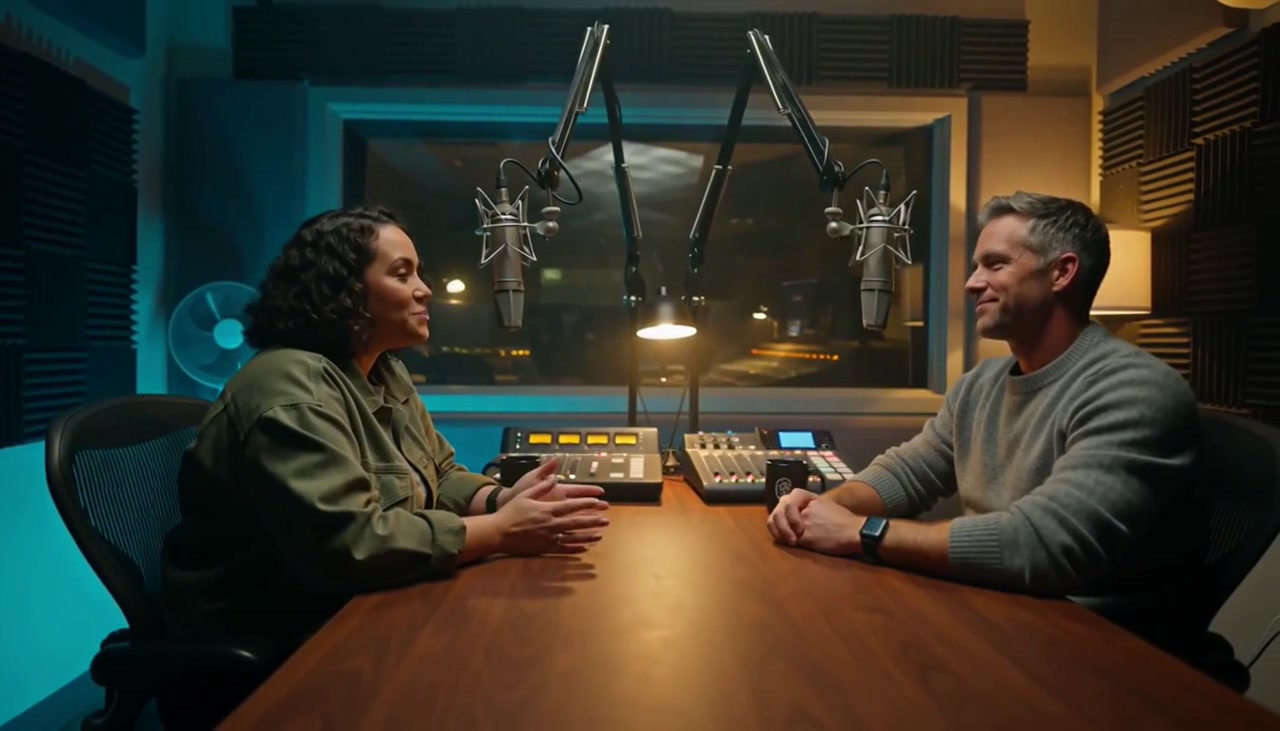
Best AI Lip Sync Video Generators in 2026
Compare AI lip-sync tools by job: re-sync a video to new audio, make a photo talk, or build a script-based presenter. Free options and current prices.
Versein Team ·

How to Make an Autumn Witch AI Video
Turn one photo into an Autumn Witch AI video: you on a broomstick in orange tulle above a glowing town. Pick the right photo, generate it and post it.
Versein Team ·

How to Make a Product Video from One Photo with AI
Turn one clear product photo into a short video for listings and ads: pick the photo, choose a motion, generate, check accuracy, and export by channel.
Versein Team ·
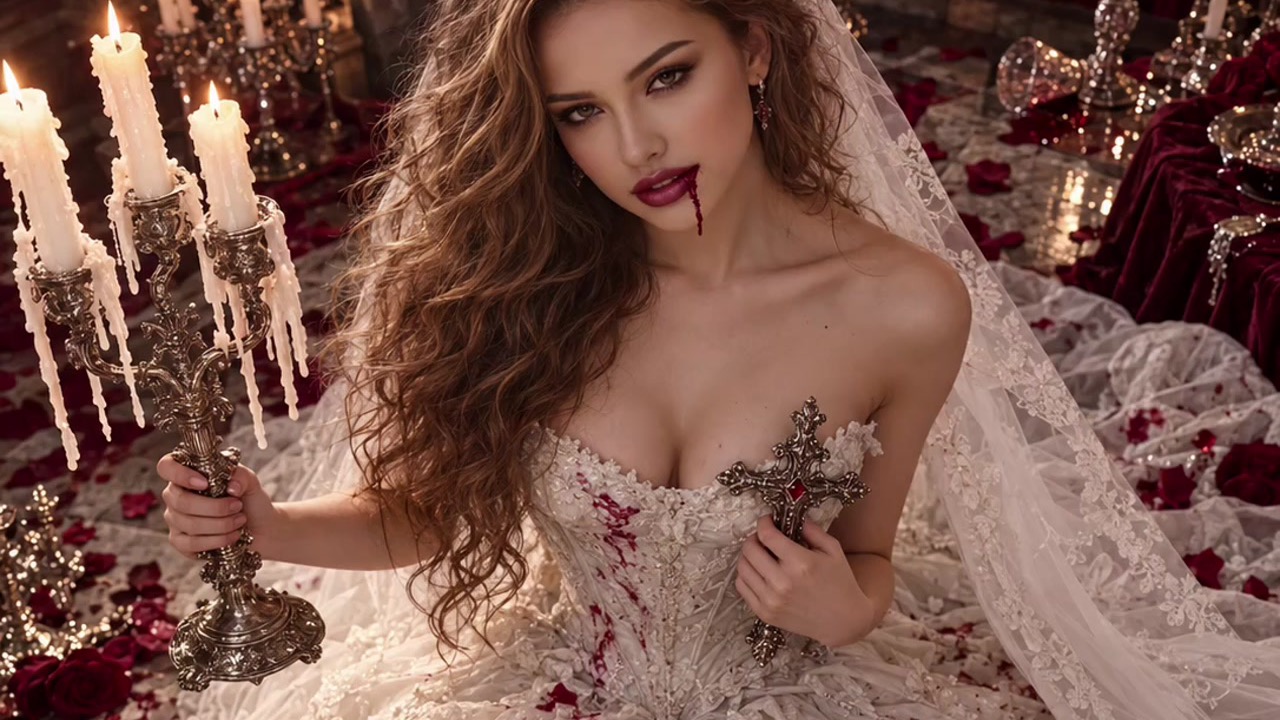
How to Make a Vampire Bride Video with AI
Turn one front-facing photo into a candlelit gothic wedding video with the VerseIn Vampire Bride template. Photo tips, steps and FAQ.
Versein Team ·
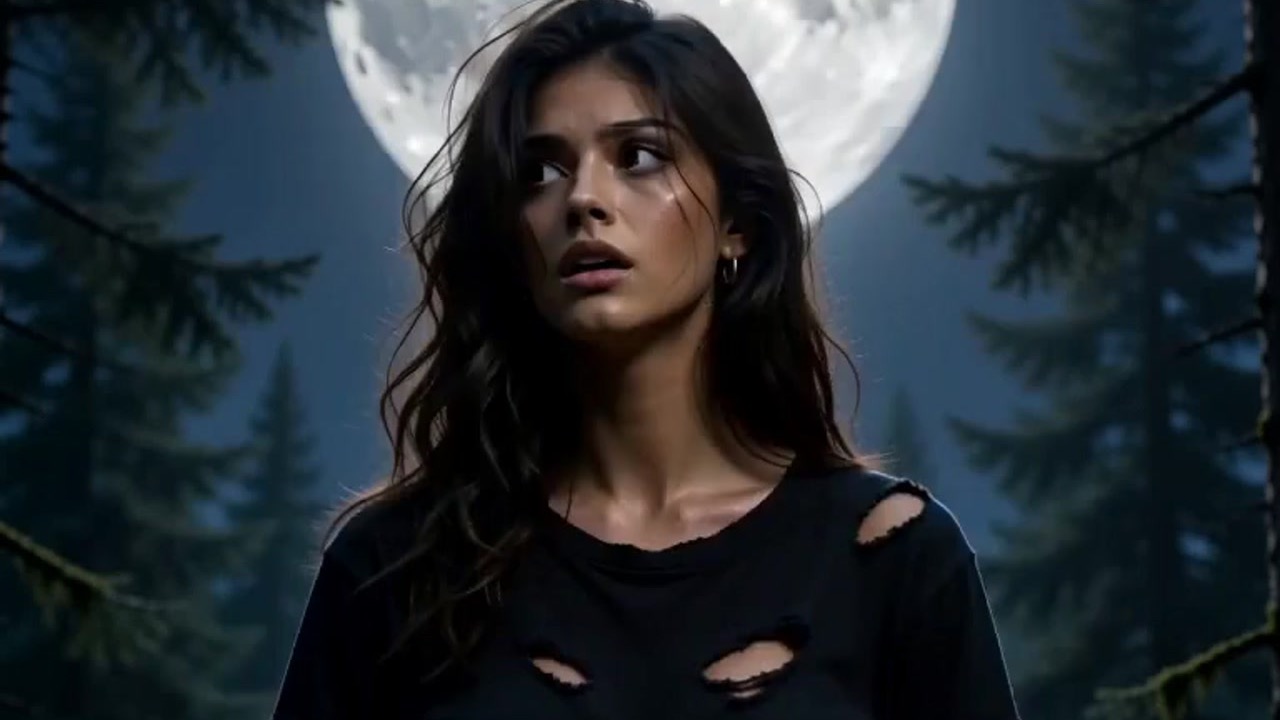
How to Make a Werewolf-to-Werepup Transformation Video with AI
Use VerseIn's "Werewolf? More Like Werepup" template to turn one face photo into a full-moon werewolf transformation that ends as a fluffy wolf cub.
Versein Team ·
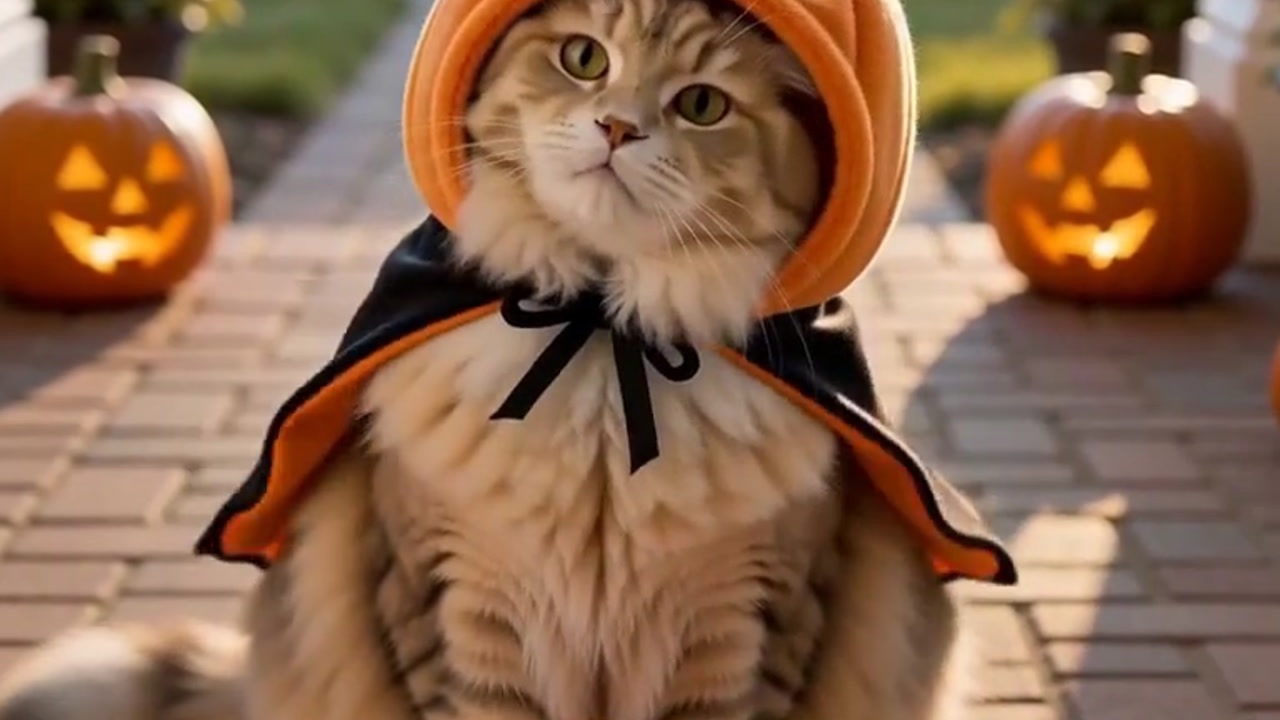
How to Turn Your Pet into a Trick-or-Treater with AI
Turn one photo of your pet into a Halloween video of them in a pumpkin costume, begging for candy at your door. What photo to use and how to make it.
Versein Team ·

What Is Seedance 2.5? Features, Access and Examples
Seedance 2.5 is ByteDance's latest AI video model: 30-second clips in one pass, up to 50 references and sound. See its specs, modes, access and examples.
Versein Team ·
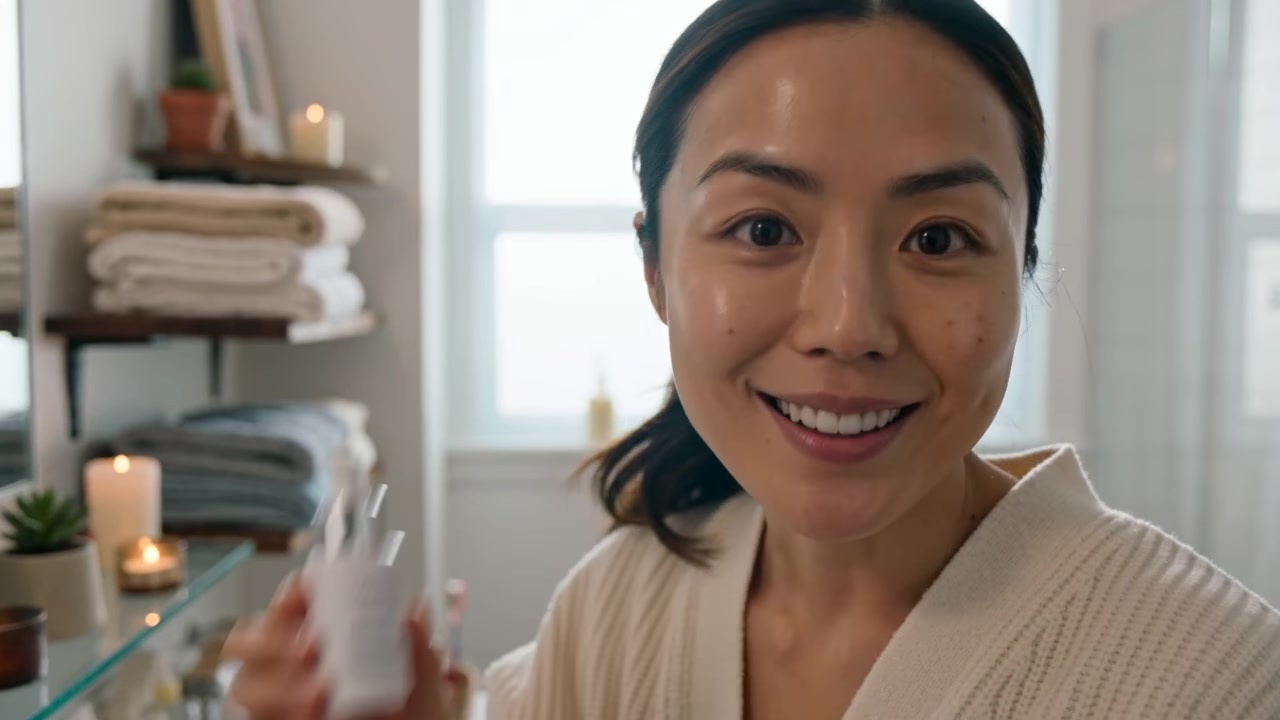
How to Make UGC Video Ads with AI (No Creators Needed)
Make creator-style UGC video ads with AI: add a product and avatar, pick a hook and setting, generate versions, test them and label AI content.
Versein Team ·
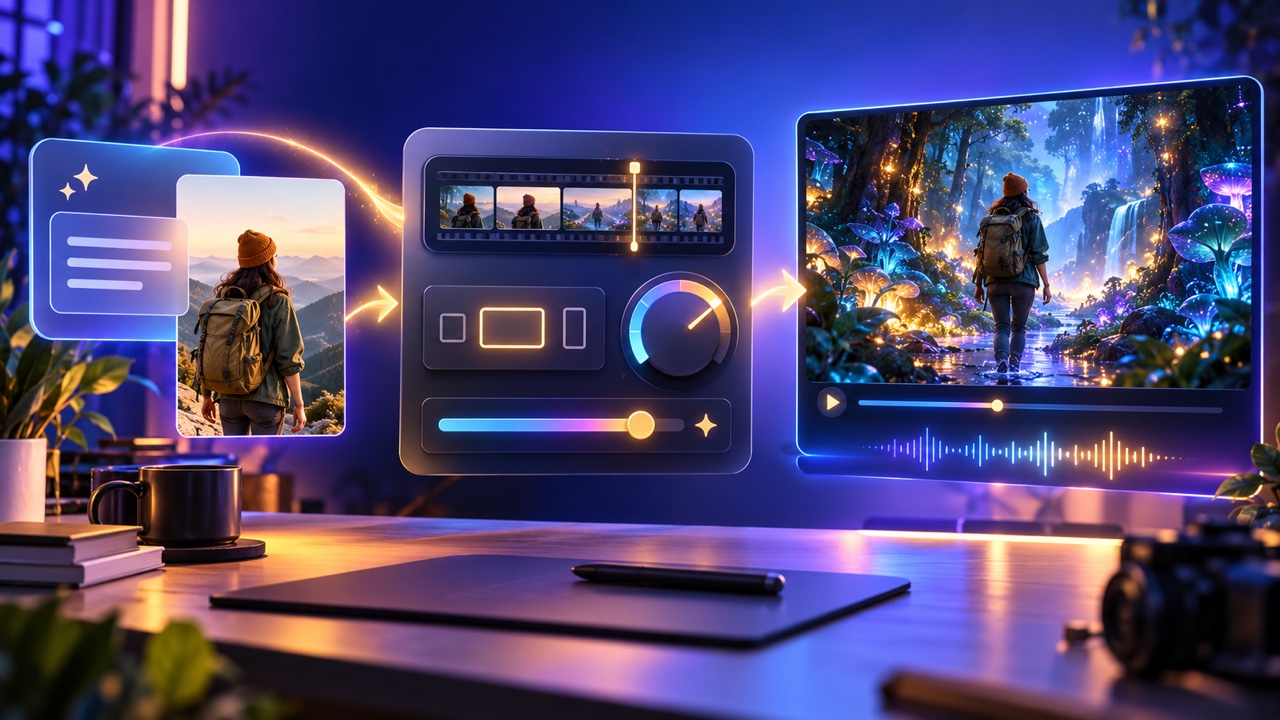
How to Use Seedance 2.5: Step-by-Step Guide
Use Seedance 2.5 on VerseIn in three steps, then choose the right mode, length, quality and aspect ratio, write a clear prompt and finish in your library.
Versein Team ·

Seedance 2.5 vs Seedance 2.0: What Changed
Seedance 2.5 vs 2.0 on VerseIn, spec by spec: video length, resolution, prompt limit, references and editing, plus where 2.0 Fast and Mini fit.
Versein Team ·