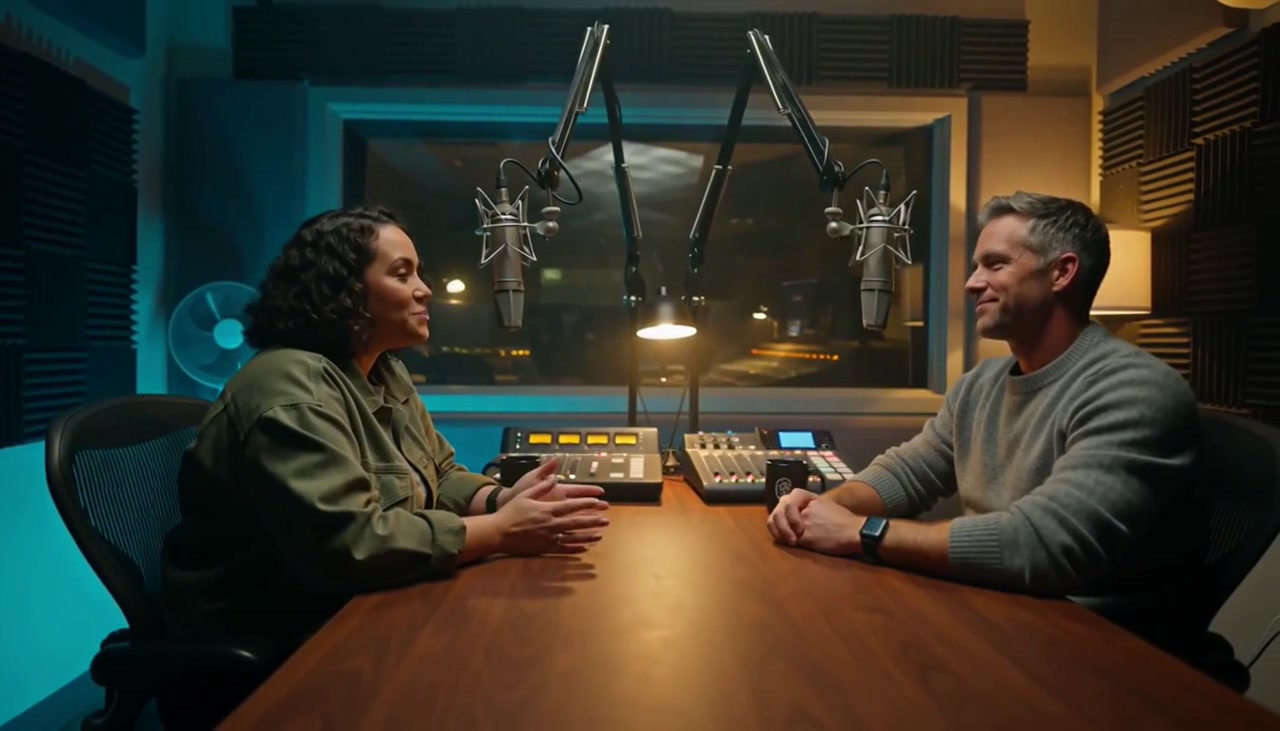
What Is Seedance 2.5? Features, Access and Examples
Versein Team · Updated

Seedance 2.5 is ByteDance's latest Seed video model, as of TechNode's July 31, 2026 report. It turns a text prompt, an image or a set of mixed references into a video with sound. It can produce a 30-second clip in a single run. You can use it in ByteDance's own apps or on VerseIn's Seedance 2.5 page.
Key Takeaways
- Seedance 2.5 is built by ByteDance and generates up to 30 seconds of video in one pass.
- One input can carry up to 50 references: 30 images, 10 videos and 10 audio clips, according to TechNode.
- On VerseIn, it supports text to video, image to video, first and last frame to video, and reference to video, at 480p, 720p or 1080p.
- Its specs point to longer single shots and reference-heavy projects, such as product videos with many photos.
Who makes Seedance 2.5 and when it launched
Seedance 2.5 is a video generation model from ByteDance. TechNode describes it as the latest Seed video model and says it rolled out inside two ByteDance products, Jimeng AI and Doubao Pro.
Like other AI video models, it works from instructions you give it. TechNode reports the model accepts images, video clips and audio as references. On VerseIn, you can type a prompt alone or add a reference image, and saved characters can be referenced. A reference image is optional, so a short written description is enough to start.
What's new in Seedance 2.5
The headline features are 30-second clips, up to 50 references per input and local editing. VerseIn's model page sums it up in one line: "Seedance 2.5 generates 30-second videos in one pass, supports 50 multimodal references, and enables local editing for precise directorial control."
30-second clips in one pass
Seedance 2.5 can create a 30-second clip in a single run, per TechNode. For comparison, VerseIn lists 4 to 15 seconds for Seedance 2.0. A longer single run means a scene can play out without being stitched together from several shorter clips.
Up to 50 multimodal references
"Multimodal" means the references can be different kinds of media, not just pictures. TechNode reports that one input can include up to 30 images, 10 videos and 10 audio clips, which adds up to the 50 references in VerseIn's tagline. That gives you room to show a product from many angles, or to add audio clips as reference material.
Local editing
Local editing is listed in the model's tagline on VerseIn's Seedance 2.5 page as a way to get "precise directorial control." The page doesn't explain in detail how it works, so treat it as a headline feature rather than a step-by-step workflow for now.
Seedance 2.5 specs on VerseIn
These are the settings VerseIn lists for Seedance 2.5 on its model page.
| Spec | Seedance 2.5 on VerseIn |
|---|---|
| Developer | ByteDance |
| Video length | 4 to 30 seconds, in whole-second steps |
| Quality | 480p, 720p, 1080p |
| Aspect ratios | 16:9, 9:16, 1:1, 4:3, 3:4, 21:9 |
| Prompt limit | 30,000 characters |
| Audio | Generated with the video |
| Reference image | Optional |
Seedance 2.5 generation modes
VerseIn offers four ways to generate with Seedance 2.5, according to its model page:
- Text to video: describe the scene in words and the model builds the video from your prompt.
- Image to video: start from a photo or image as the first frame of the video.
- First and last frame to video: give a starting image and an ending image, and the video moves from one to the other.
- Reference to video: add reference material to guide the look of the video. Saved characters can be referenced too.
If you're not sure where to start, text to video is the simplest option. Image to video is useful when you already have a product photo or a picture of a character you want to animate. You can read more about each approach on VerseIn's text to video and image to video pages.
Where you can use Seedance 2.5
Seedance 2.5 is available in ByteDance's own apps and on third-party platforms such as VerseIn. TechNode reports that it rolled out to Jimeng AI and Doubao Pro, with API access expected on Volcano Engine's Ark platform.
On VerseIn, you can open the model from its Seedance 2.5 page. The page lists three steps:
- Open the studio. Seedance 2.5 is already selected when you arrive from the model page, so the form shows only the settings this model supports.
- Describe or upload. Write your prompt, or add a reference image.
- Generate and finish. The video renders in the background and lands in your library, where you can upscale, reframe or extend it.
For a full walkthrough with settings and prompt tips, see How to Use Seedance 2.5. VerseIn also offers earlier ByteDance models: Seedance 2.0, 2.0 Fast and 2.0 Mini. The differences are laid out spec by spec in Seedance 2.5 vs Seedance 2.0.
Seedance 2.5 examples
The images below are examples from VerseIn's Seedance 2.5 page. VerseIn doesn't publish the prompts or settings behind them, so they show the kinds of scenes the model has produced, not a recipe to copy.
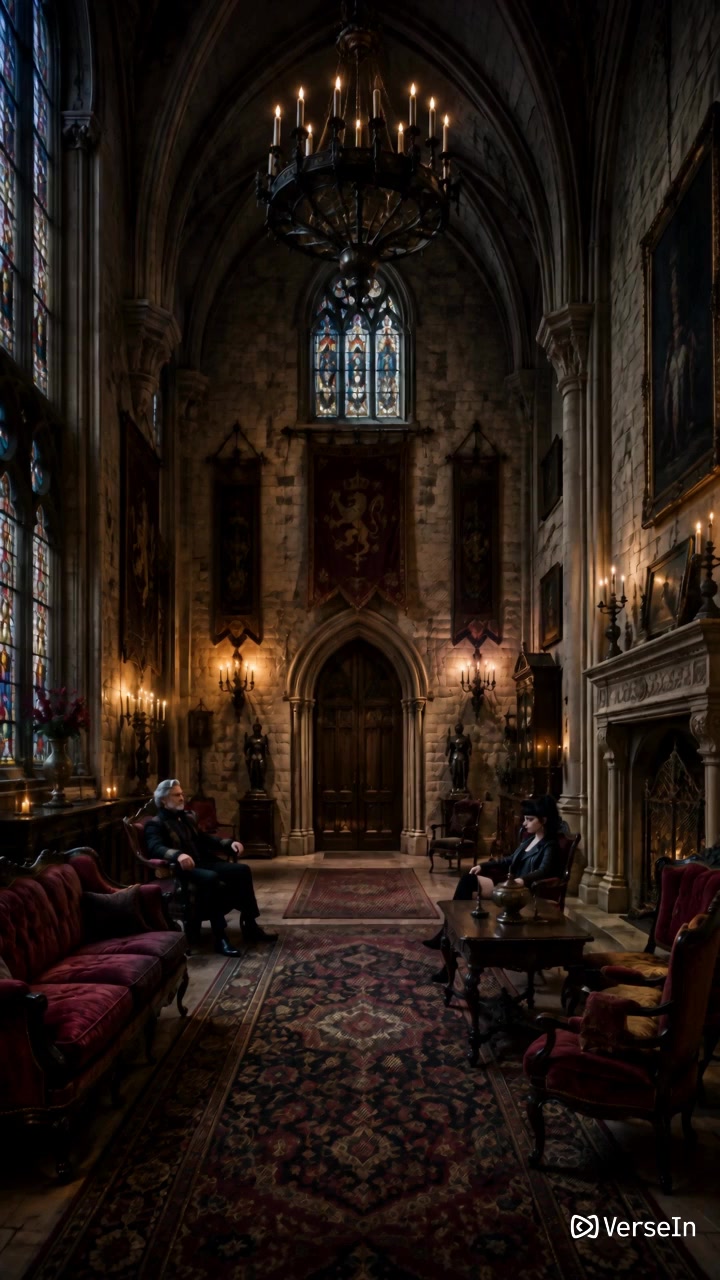
A moody interior scene: two seated figures, candlelight, stained glass and a hanging chandelier, framed vertically.
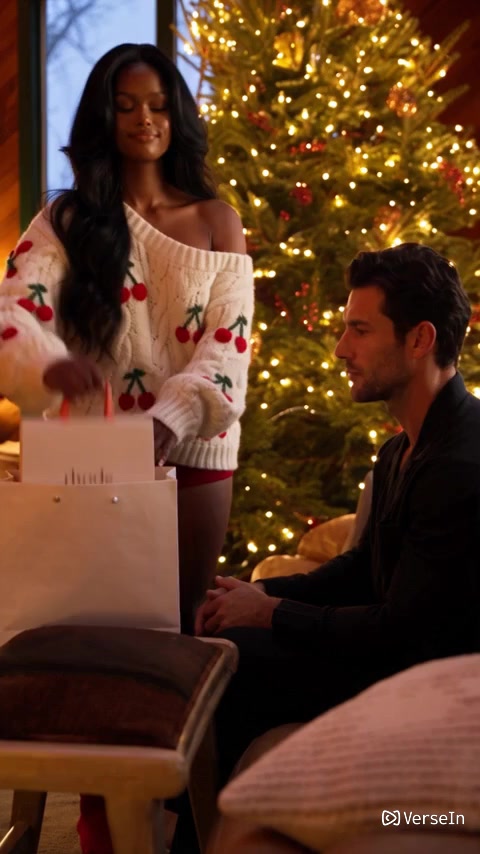
A holiday moment with two people by a lit tree, the kind of scene seasonal gift campaigns use.
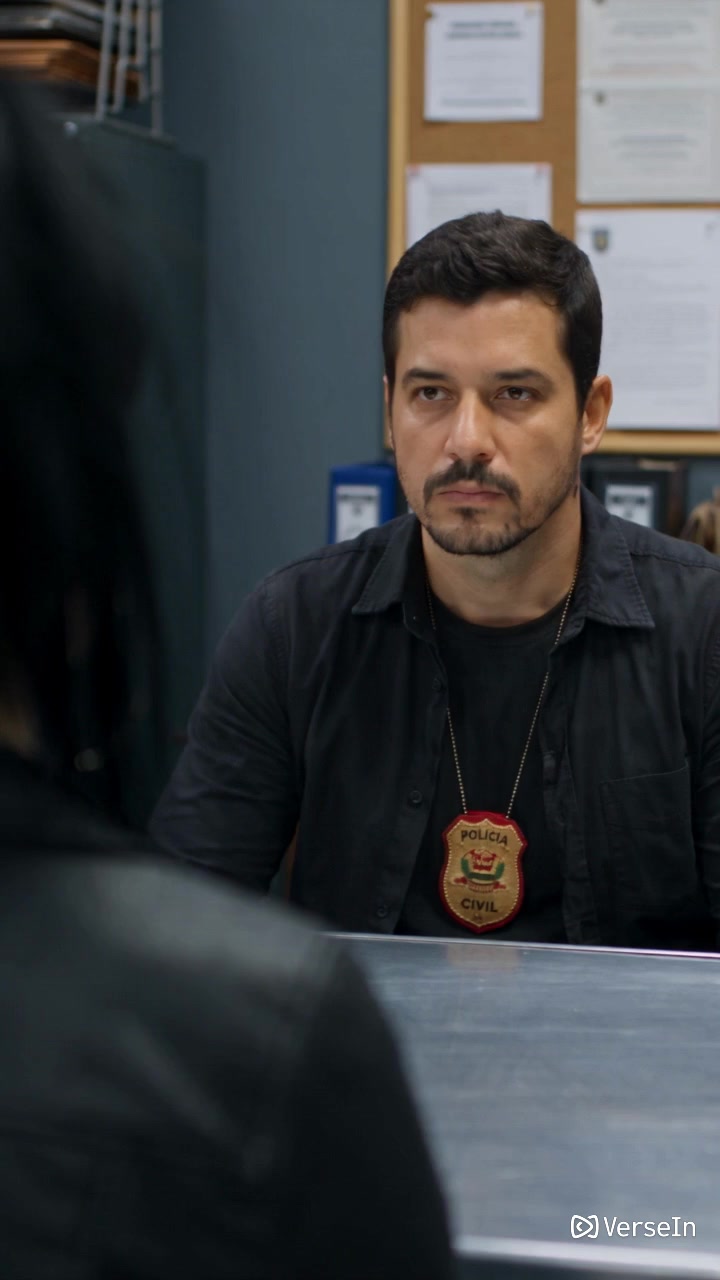
A crime-drama setup with a detective at an interview table, the kind of scene used in short narrative clips.
Who Seedance 2.5 suits
Based on its published specs, Seedance 2.5 may suit projects that need a longer single shot or many references. These are suggestions drawn from the spec sheet, not results from quality tests.
- Longer single scenes: with up to 30 seconds per run, you can try a full product demo, a short story beat or a complete social clip in one generation.
- Reference-heavy projects: ecommerce teams with many product photos, or creators with a set of brand images, can feed more material into one input.
- Detailed briefs: the 30,000-character prompt limit leaves room for long scene descriptions, shot notes and dialogue.
- Multi-platform posting: six aspect ratios let you make a vertical 9:16 cut for TikTok, Reels or Shorts and a wide 16:9 cut for YouTube or a website.
VerseIn's Seedance 2.5 page links to tools built for common jobs: the AI Product Video Generator, the AI Product Review Video Generator and the AI Social Media Video Generator.
FAQ
Is Seedance 2.5 free on VerseIn?
Generations on VerseIn use credits. The amount depends on the tool, model and settings you choose, and VerseIn's pricing page says you'll always see the total cost before you confirm. New accounts get free sign-up credits, so compare that total with your balance. If a generation fails because of a processing error, a timeout or a content safety check, the credits are returned automatically. Paid plans export without a watermark.
Does Seedance 2.5 make sound?
Yes. VerseIn lists Seedance 2.5 as generating audio, so your video comes with sound. TechNode adds that you can also give the model up to 10 audio clips as references.
How long can a Seedance 2.5 video be?
A single Seedance 2.5 run can produce up to 30 seconds of video. On VerseIn, you can pick any whole-second length from 4 to 30 seconds. TechNode says the model also supports multi-turn extension for longer sequences, and VerseIn's library lets you extend a finished result.
Does Seedance 2.5 do 4K on VerseIn?
No. VerseIn lists 480p, 720p and 1080p as the quality options for Seedance 2.5. If you need 4K, VerseIn lists it as an option for Seedance 2.0.
Try Seedance 2.5 on VerseIn
Turn a prompt or reference image into a video with sound, from 4 to 30 seconds long.