How to Use Seedance 2.5: Step-by-Step Guide
Versein Team · Updated
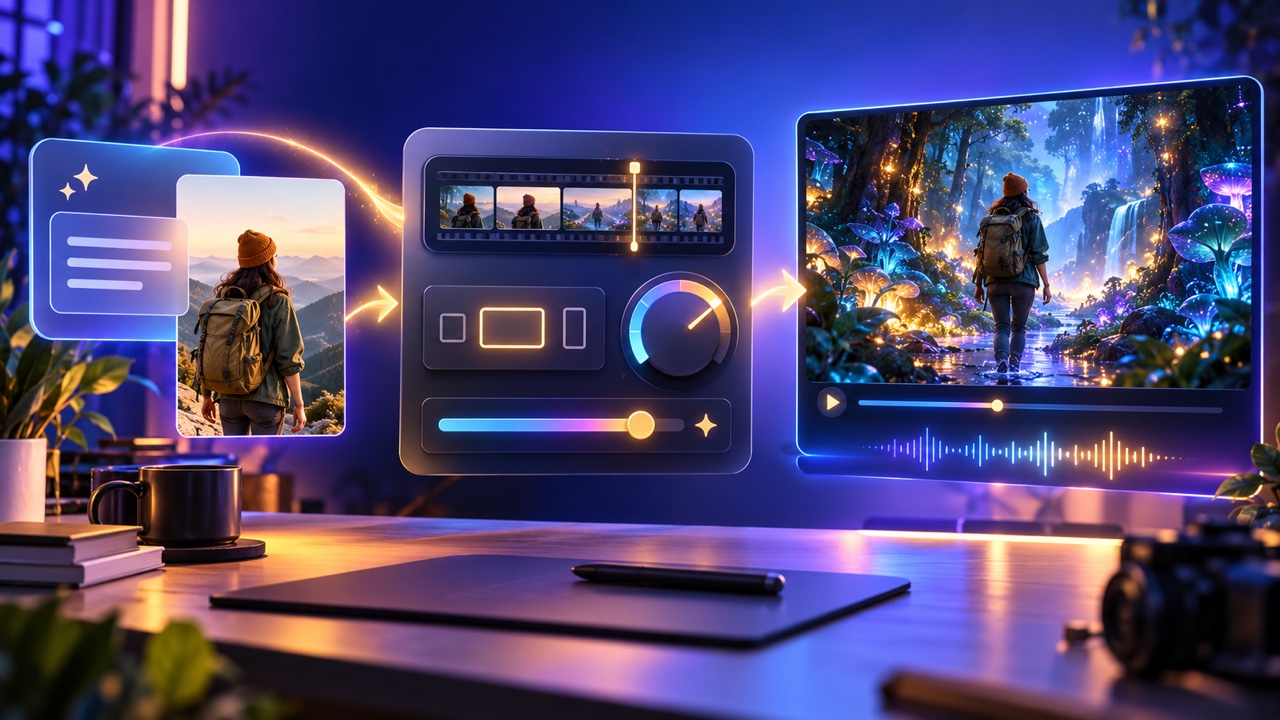
To use Seedance 2.5, open the studio from its model page on VerseIn, write a prompt or add a reference image, and generate. The video runs in the background and lands in your library, where you can upscale, reframe or extend it. Most of the work is in two choices: the settings you pick and how clearly you describe the scene.
Key Takeaways
- Seedance 2.5 is a ByteDance video model that works from a text prompt alone; a reference image is optional.
- On VerseIn you can set the length from 4 to 30 seconds, quality up to 1080p and one of six aspect ratios.
- A simple prompt structure covers five things: subject, action, camera, setting and sound.
- Finished videos land in your library, where you can upscale, reframe or extend them.
What you need before you start
You need very little to make your first Seedance 2.5 video:
- A VerseIn account. Sign in on the VerseIn web app.
- An idea for one scene. Know who is in it, what happens and where it is shown (a phone feed, a website, a presentation).
- Optional: a reference image. A product photo, a character or a frame you want the video to start from.
How to use Seedance 2.5 in three steps
Per VerseIn's Seedance 2.5 page, there are three steps:
- Open the studio.
- Describe or upload.
- Generate and finish.
Step 1: Open the studio
Start from the Seedance 2.5 model page on VerseIn and open the studio from there. Seedance 2.5 is already selected when you arrive this way, so the form shows only the settings this model supports.
If you open VerseIn's text to video or image to video tool directly instead, check which model is selected before you generate.
Step 2: Describe or upload
Write your prompt, add a reference image, or do both. Per VerseIn's Seedance 2.5 page, the model works from a text prompt alone, so an image is only needed when you want the video to match a specific look, product or person.
You can also reference saved characters. That helps when the same person needs to appear in several videos.
Then set the mode, length, quality and aspect ratio. The sections below explain how to choose each one.
Step 3: Generate and finish
Start the generation. The run happens in the background, and the result lands in your library.
Watch the video once with sound on. Check that the subject, action and framing match your prompt. If they do, finish it in the library. If not, change one part of the prompt and try again.
How to choose Seedance 2.5 settings
Pick settings by where the video will be shown and what you already have to work with. All the options below come from VerseIn's Seedance 2.5 page.
Mode
Seedance 2.5 offers four ways to start a video. Choose the one that matches your inputs.
| Mode | What you provide | Good fit for |
|---|---|---|
| Text to video | A prompt only | New scenes when you have no visuals yet |
| Image to video | One image as the first frame, plus a prompt | Bringing a product photo or character image to life |
| First and last frame to video | A start image and an end image | Transitions and reveals with a fixed ending |
| Reference to video | Reference material plus a prompt | Keeping a character, product or style consistent |
VerseIn's page says Seedance 2.5 supports 50 multimodal references. TechNode reports the model itself accepts up to 30 images, 10 videos and 10 audio clips in one input; check the VerseIn form for which reference types it accepts.
Length
You can set any whole number of seconds from 4 to 30. Match the length to the job:
- Short loops and hooks: stay near the low end so one idea fills the clip.
- A full scene with a beginning and end: use more of the range. TechNode notes that Seedance 2.5 generates a 30-second clip in a single run.
A longer clip needs a prompt with enough happening to fill it. If your prompt describes one quick action, a long clip has little else to show.
Quality
Seedance 2.5 on VerseIn offers 480p, 720p and 1080p. Use 1080p for anything you plan to publish or show on a large screen. A lower setting can work for rough tests while you refine the prompt, and you can upscale a result later in the library.
Aspect ratio
Seedance 2.5 supports six aspect ratios. The table below is general advice on where each shape usually fits. Always check the current specs of the platform you post to.
| Aspect ratio | Shape | Typical use |
|---|---|---|
| 9:16 | Tall vertical | TikTok, Instagram Reels, YouTube Shorts, Stories |
| 16:9 | Widescreen | YouTube, websites, presentations |
| 1:1 | Square | Feed posts and many ad placements |
| 4:3 | Slightly wide | Classic screen look, some product listings |
| 3:4 | Slightly tall | Feed posts that take up more vertical space |
| 21:9 | Ultra-wide | Cinematic banners and film-style scenes |
Pick the aspect ratio before you generate. Making the video in the shape you need means you won't have to crop part of the scene later.
How to write a Seedance 2.5 prompt
A clear prompt names five things: the subject, the action, the camera, the setting and the sound. The structure below is general guidance for video prompts, not a rule from ByteDance or VerseIn.
| Element | What to describe | Example detail |
|---|---|---|
| Subject | Who or what the scene is about | "a detective in a gray suit" |
| Action | What happens, in order | "slides a photo across the table, then leans back" |
| Camera | Shot size and movement | "slow push-in at eye level" |
| Setting | Place, time and light | "a small interview room lit by one hanging lamp" |
| Sound | What the viewer should hear | "rain on the window, the hum of the lamp" |
Per VerseIn's Seedance 2.5 page, the model generates video with sound, so the sound line is worth writing. The prompt limit on VerseIn is 30,000 characters, which leaves plenty of room. A short, specific prompt is usually easier to adjust than a long one, so add detail only where it changes the shot.
Here is an illustrative prompt that follows the structure. It is an example of the format, not a tested result:
A detective in a gray suit sits across a metal table from the camera. She slides a photo forward, taps it twice, then leans back and folds her arms. Slow push-in at eye level, shallow depth of field. A small interview room at night, lit by one hanging lamp, rain streaking a high window. Sound: steady rain, the low hum of the lamp, a chair creaking as she leans back.
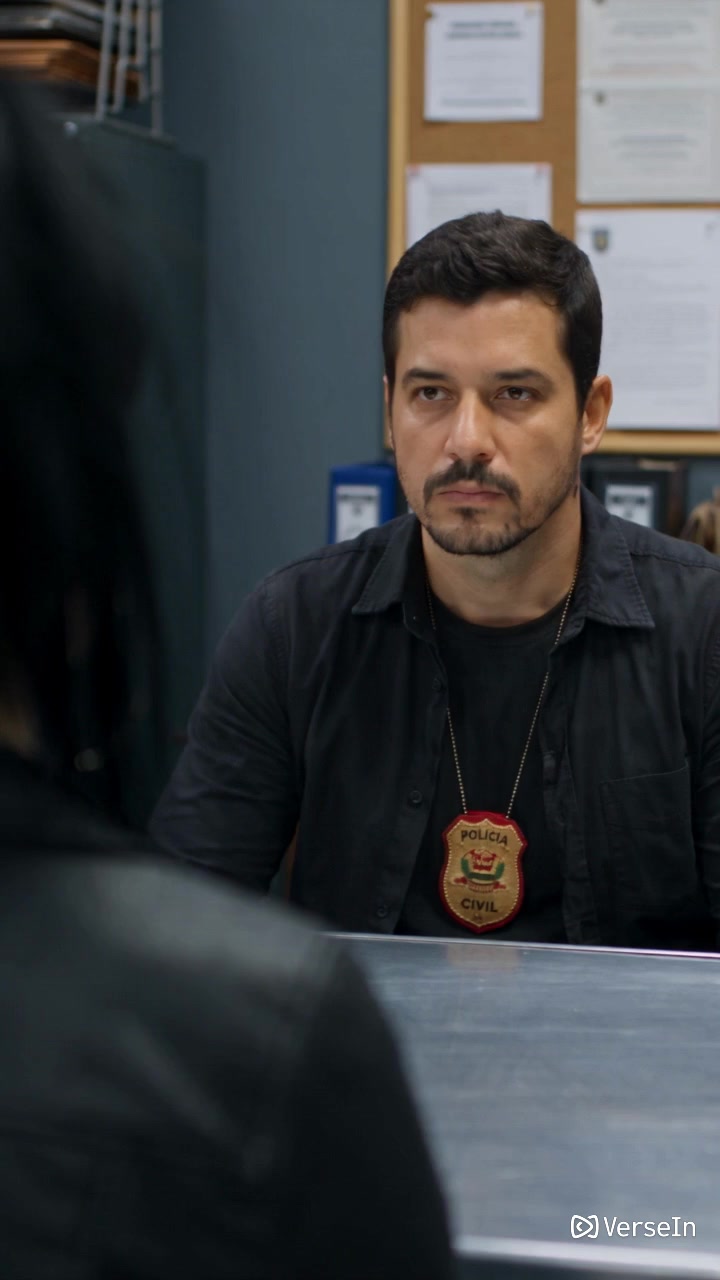
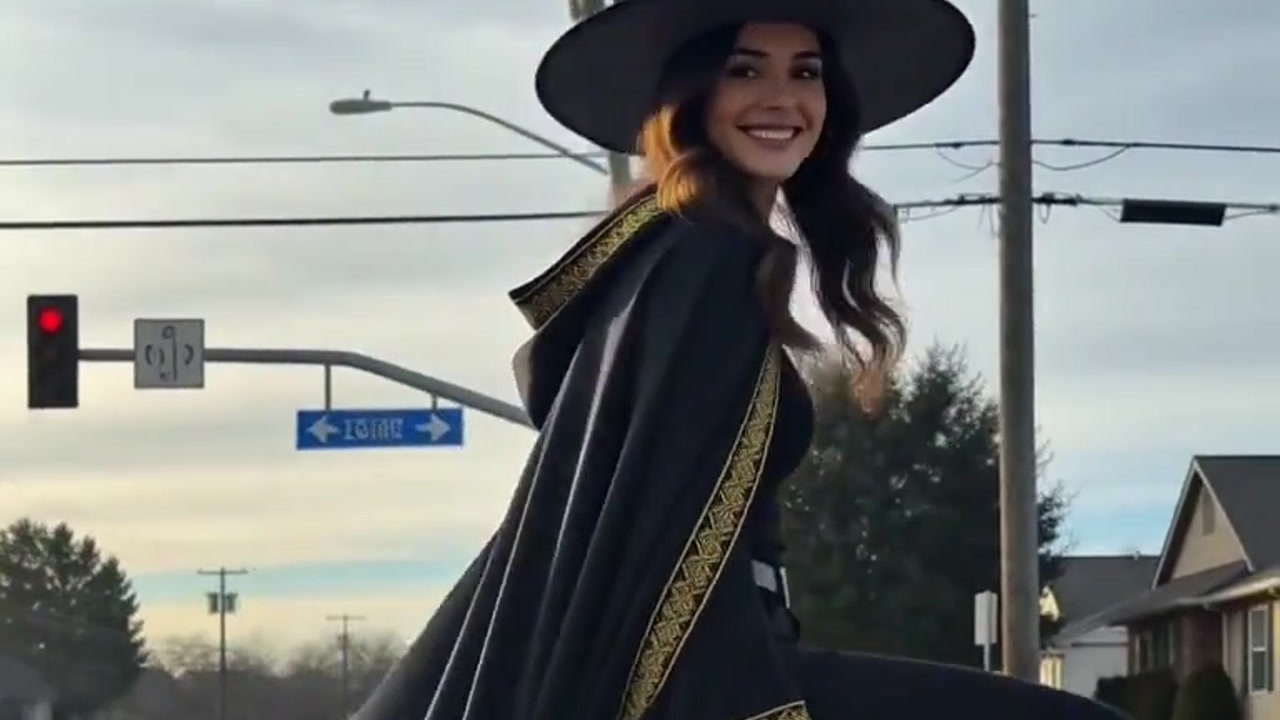
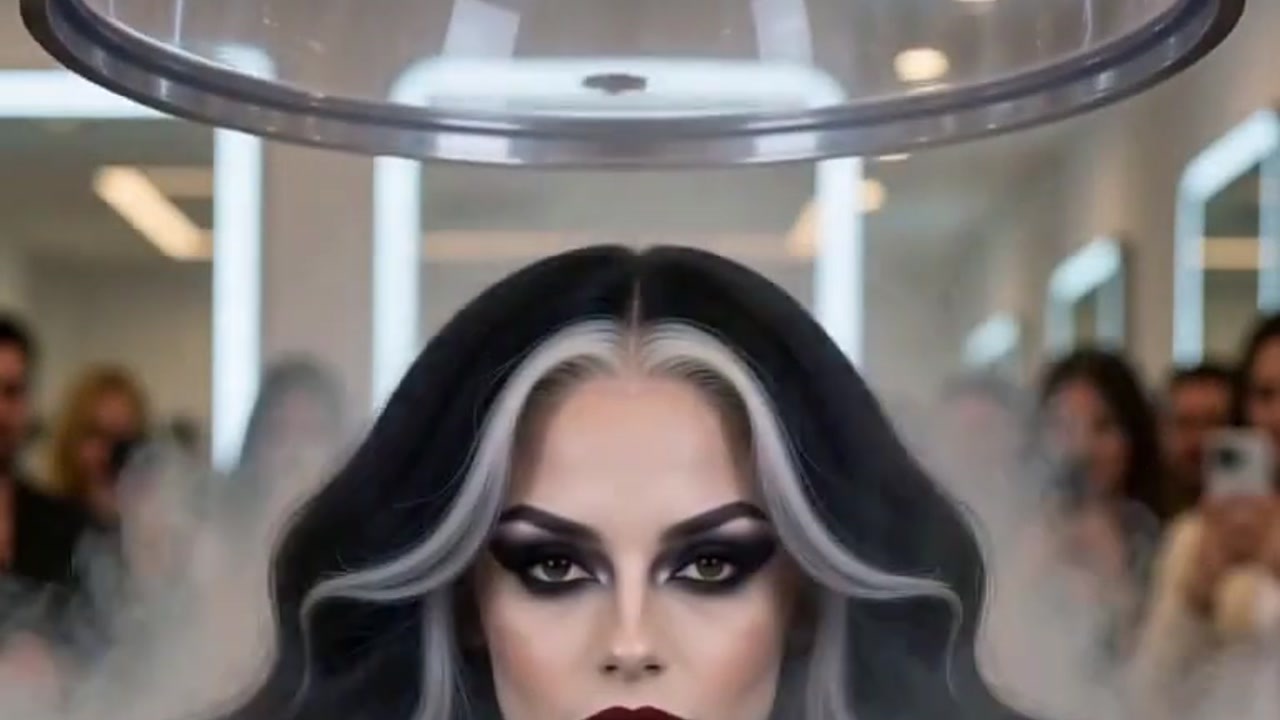
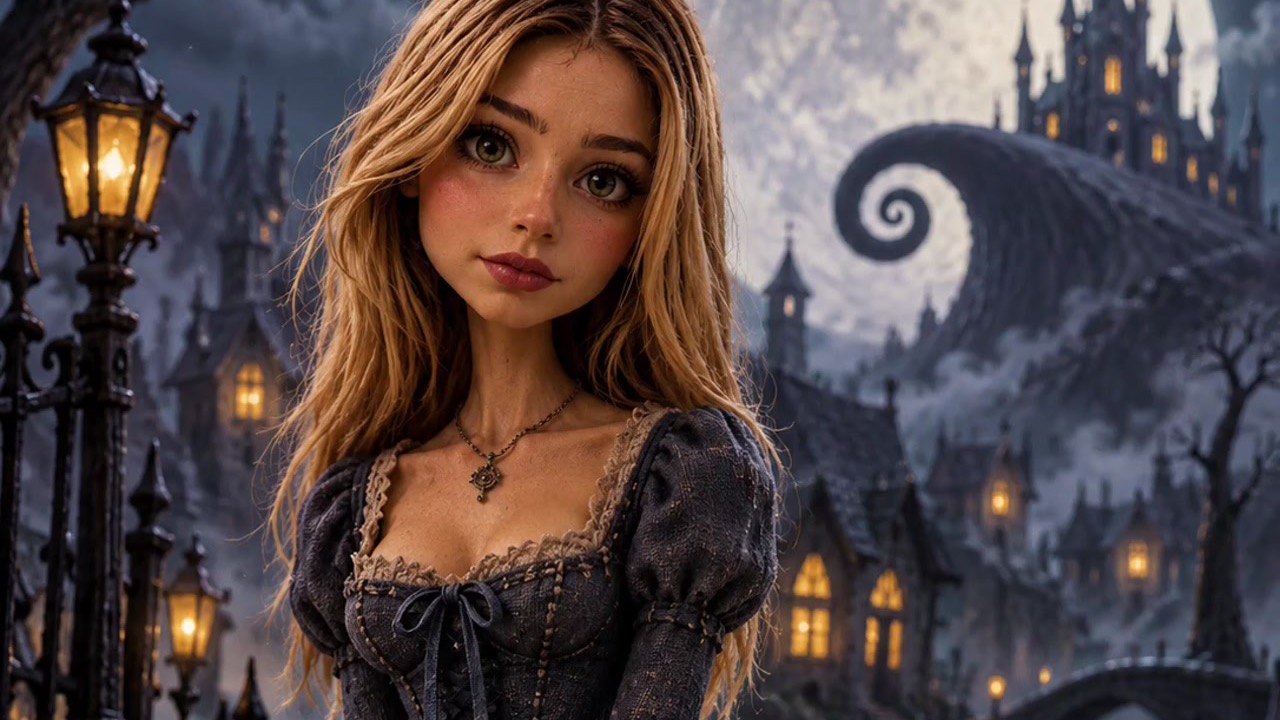
The image above is an example from VerseIn's Seedance 2.5 page. Its prompt and settings are not published, and it was not made with the prompt shown here.
Tips for revising a prompt
- Change one element at a time. If you rewrite the camera and the action together, you won't know which change helped.
- Put actions in order. "First, then, finally" is easier to follow than a list of things happening at once.
- Describe what you want, not what you don't. "A clear blue sky" is more direct than "no clouds."
How to finish your video in the library
Every result lands in your library. When a video is close to what you want, you can upscale, reframe or extend it from your library, per VerseIn's Seedance 2.5 page. One logical order is to get the scene right first, then use those options on the version you plan to publish.
VerseIn also lists local editing for Seedance 2.5; see what Seedance 2.5 is and what's new for the full feature list.
FAQ
Is Seedance 2.5 free on VerseIn?
Each generation uses credits. The amount depends on the tool, model and settings, and you'll always see the total cost before you confirm. New accounts get free sign-up credits, and paid plans export without a watermark. Check the pricing page for current plans.
What happens if a Seedance 2.5 generation fails?
If a generation fails because of a processing error, a timeout or a content safety check, the credits are returned automatically, according to VerseIn's pricing page.
Where else can I use Seedance 2.5?
TechNode reports that ByteDance rolled Seedance 2.5 out to Jimeng AI and Doubao Pro, with an API expected on Volcano Engine's Ark platform. On VerseIn, open it from the VerseIn's Seedance 2.5 model page.
Should I use Seedance 2.5 or Seedance 2.0?
It depends on the job. Seedance 2.0 on VerseIn makes clips of 4 to 15 seconds and lists 4K quality, which Seedance 2.5 does not. Of the Seedance versions on VerseIn, only 2.5 goes past 15 seconds. See Seedance 2.5 vs Seedance 2.0 for a side-by-side look at the published specs.
Make your first Seedance 2.5 video
Open Seedance 2.5 on VerseIn, describe your scene or add a reference image, and generate a video with sound.