Seedance 2.5 vs Seedance 2.0: What Changed
Versein Team · Updated

On VerseIn, Seedance 2.5 makes longer clips and accepts longer prompts than Seedance 2.0. Its page lists a 50-reference limit and local editing; the 2.0 page lists no reference number. Seedance 2.0 keeps a 4K option that 2.5 lacks. Both share the same modes, aspect ratios and built-in audio. All of this comes from published specs, not tests of output quality, realism or speed.
Key Takeaways
- Clip length on VerseIn runs up to 30 seconds with Seedance 2.5 and up to 15 with Seedance 2.0.
- 4K is available only on Seedance 2.0; Seedance 2.5 tops out at 1080p.
- The 2.5 page lists 50 multimodal references and local editing; the 2.0 page lists neither.
- Seedance 2.0 Fast and 2.0 Mini cap at 720p and 2,000-character prompts, which suits low-resolution drafts with short prompts.
Seedance 2.5 vs Seedance 2.0 at a glance
The table pulls the specs from VerseIn's Seedance 2.5 page and Seedance 2.0 page, both retrieved in October 2026. For a full introduction to the newer model, see What Is Seedance 2.5?.
| Spec on VerseIn | Seedance 2.5 | Seedance 2.0 |
|---|---|---|
| Developer | ByteDance | ByteDance |
| Video length | 4 to 30 seconds | 4 to 15 seconds |
| Quality | 480p, 720p, 1080p | 480p, 720p, 1080p, 4K |
| Aspect ratios | 16:9, 9:16, 1:1, 4:3, 3:4, 21:9 | 16:9, 9:16, 1:1, 4:3, 3:4, 21:9 |
| Prompt limit | 30,000 characters | 20,000 characters |
| Modes | Text, image, first and last frame, reference to video | Text, image, first and last frame, reference to video |
| Audio | Generates video with sound | Generates video with sound |
| Multimodal references | 50 (from the page tagline) | No number listed |
| Local editing | Listed in the page tagline | Not listed |
What changed in Seedance 2.5
Most of the changes make room for longer, more detailed projects. Resolution is the exception.
Clip length goes from 15 to 30 seconds
Seedance 2.5 "generates 30-second videos in one pass," according to its VerseIn page. TechNode's launch report from July 31, 2026 says the same and adds that the model supports multi-turn extension for longer sequences.
On VerseIn, both models let you pick any whole-second length from 4 seconds up to their maximum. In practice, a scene longer than 15 seconds needs more than one Seedance 2.0 generation, while Seedance 2.5 can cover it in a single run. After a 2.5 generation, the model page says results land in your library, where you can upscale, reframe or extend them.
References and local editing
The Seedance 2.5 tagline on VerseIn says the model "supports 50 multimodal references" and "enables local editing for precise directorial control." TechNode reports up to 30 images, 10 videos and 10 audio clips as reference material in one input. The tagline does not explain how local editing works.
Seedance 2.0's tagline says it "turns mixed references into coherent cinematic scenes while preserving character identity, motion logic, and physical realism." It gives no reference number and does not mention local editing. A missing number doesn't show that 2.0 accepts fewer files, so check the studio form for each model.
The prompt limit rises from 20,000 to 30,000 characters
The extra 10,000 characters in 2.5 matter mostly if you write detailed shot lists, dialogue or scene notes for a 30-second video. A longer limit tells you how much text the form accepts, not how closely the model follows it.
Resolution: Seedance 2.0 keeps 4K
This is the one spec where the older model lists more. VerseIn offers Seedance 2.0 at 480p, 720p, 1080p and 4K, while Seedance 2.5 offers 480p, 720p and 1080p. Upscaling is listed as a library option for 2.5 results, but its output resolution is not published.
What stayed the same
Both models use the same four generation modes: text to video, image to video, first and last frame to video, and reference to video. The Seedance 2.5 page notes that it works from a text prompt alone, so a reference image is optional.
The six aspect ratios also match, from vertical 9:16 for Reels, Shorts and TikTok to 21:9 for a wide cinematic frame. Both generate video with sound.
Where Seedance 2.0 Fast and Mini fit
VerseIn also lists two lighter versions of Seedance 2.0. They share 2.0's length range but cap lower on resolution and prompt size, per the Seedance 2.0 Fast and Seedance 2.0 Mini pages.
| Model on VerseIn | Video length | Quality | Prompt limit | Audio |
|---|---|---|---|---|
| Seedance 2.5 | 4 to 30 seconds | 480p to 1080p | 30,000 characters | Yes |
| Seedance 2.0 | 4 to 15 seconds | 480p to 4K | 20,000 characters | Yes |
| Seedance 2.0 Fast | 4 to 15 seconds | 480p, 720p | 2,000 characters | Yes |
| Seedance 2.0 Mini | 4 to 15 seconds | 480p, 720p | 2,000 characters | Yes |
A 2,000-character limit fits a clear paragraph on subject, action, camera and setting, but not a long shot list.
How to choose by job
These are suggestions based on specs alone. If two models fit your job on paper, run the same prompt on both and compare the results yourself.
- You need one continuous clip longer than 15 seconds. Choose Seedance 2.5.
- You want to feed in many images, video clips or audio clips. Choose Seedance 2.5, the only one with a published reference limit.
- Your deliverable has to be 4K. Choose Seedance 2.0.
- Your prompt runs past 20,000 characters. Choose Seedance 2.5.
- You are drafting ideas at 480p or 720p with short prompts. Seedance 2.0 Fast or 2.0 Mini covers that range.
Once you have picked a model, How to Use Seedance 2.5 walks through the studio steps and settings. For common jobs, the 2.5 page also links the AI Product Video Generator and the AI Social Media Video Generator.
Examples from VerseIn's Seedance 2.5 page
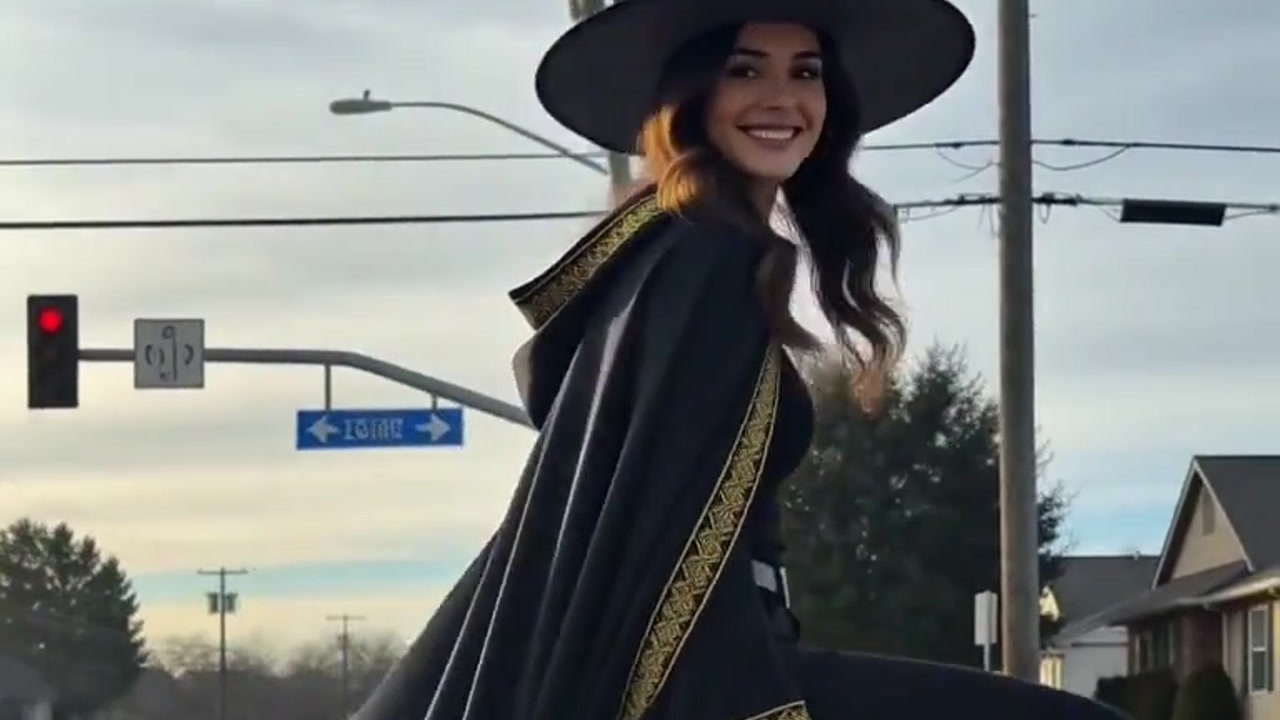
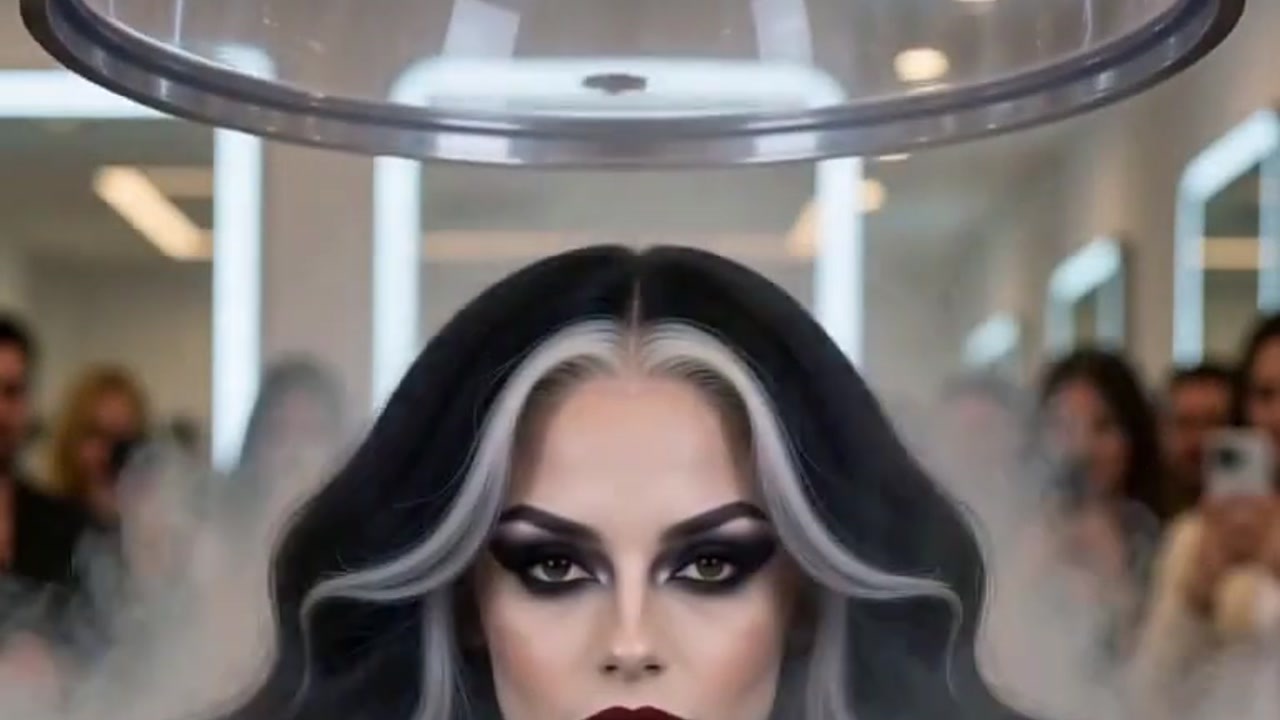
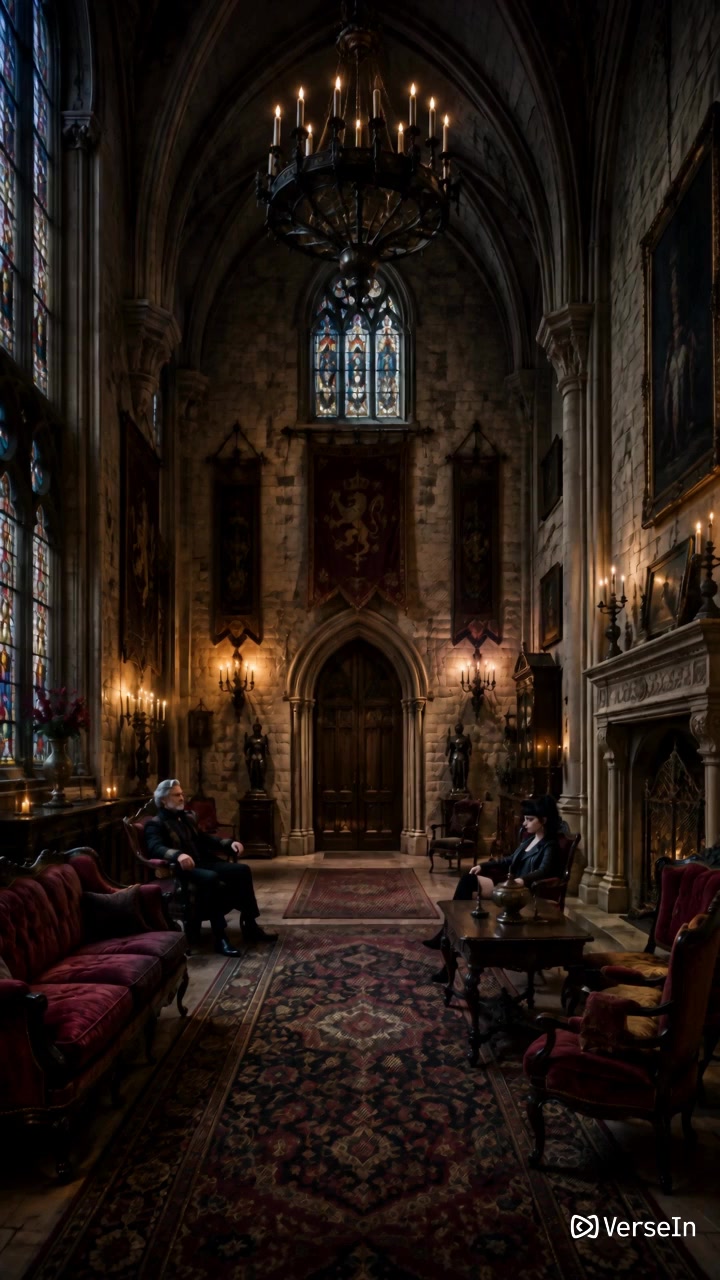
The two frames below are examples from VerseIn's Seedance 2.5 page. Their prompts and settings are not published, so they show the kind of scenes on the page, not what a given spec produces.

FAQ
Is Seedance 2.5 better than Seedance 2.0?
That depends on the job, and specs alone can't settle quality. Seedance 2.5 lists longer clips, longer prompts, a 50-reference limit and local editing; Seedance 2.0 lists 4K but no reference number. No side-by-side quality, realism or speed test is behind any of these points.
How many credits does each model use on VerseIn?
Credit amounts are not published. According to the pricing page, credits are used whenever you generate, the amount depends on the tool, model and settings, and "You'll always see the total cost before you confirm." If a generation fails because of a processing error, timeout or content safety check, the credits are returned automatically. New accounts get free sign-up credits, and paid plans export without a watermark.
Can I still use Seedance 2.0 on VerseIn?
Yes. VerseIn lists Seedance 2.0, 2.0 Fast and 2.0 Mini alongside Seedance 2.5, each with its own model page.
Where else is Seedance 2.5 available?
TechNode reported on July 31, 2026 that ByteDance rolled Seedance 2.5 out to Jimeng AI and Doubao Pro, with an API expected on Volcano Engine's Ark platform. Check those platforms for current availability, since the API was described as expected, not live.
Try Seedance 2.5 on VerseIn
Open the studio with Seedance 2.5 selected, write a prompt or add a reference, and generate a clip of up to 30 seconds.