How to Turn Your Pet into a Trick-or-Treater with AI
Versein Team · Updated
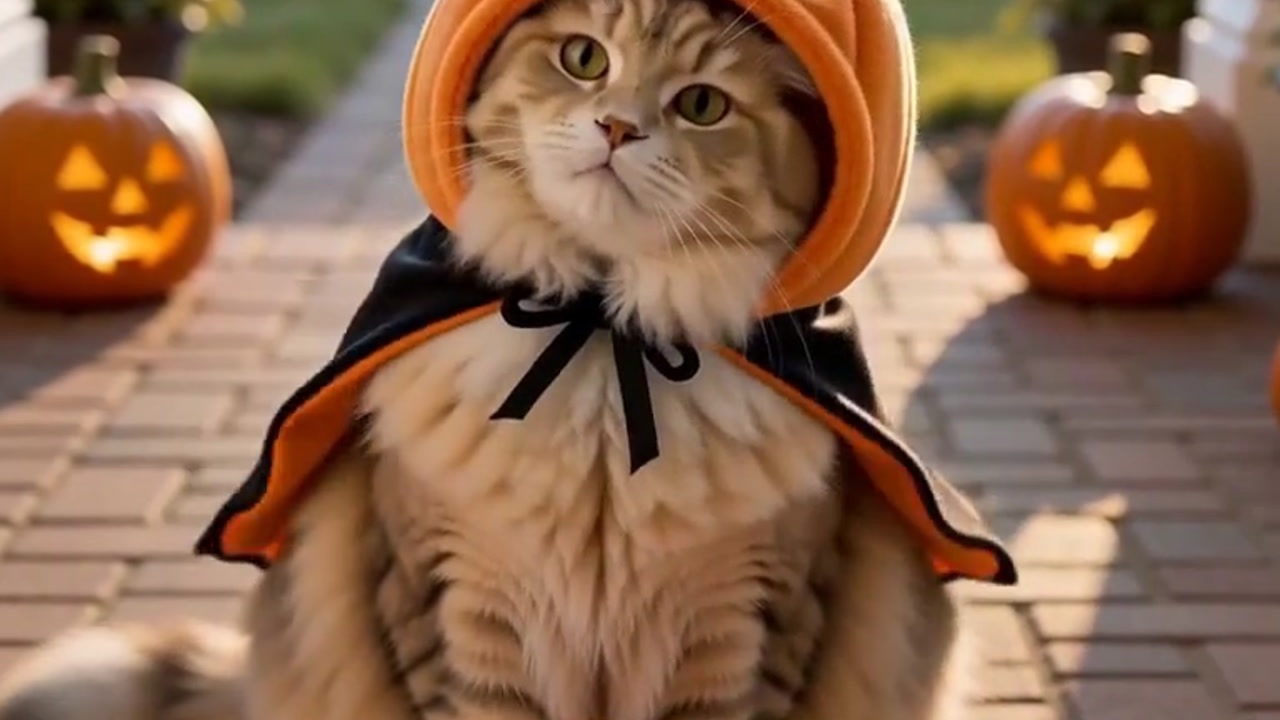
You can turn your pet into a trick-or-treater with the Trick or Treat (pet edition) template on VerseIn. Upload one clear photo of your pet, press Generate, and the template builds a Halloween scene: you open the door to find your pet in a pumpkin costume, sitting on the mat and begging for candy. You don't need a costume, props or any video editing.
Key Takeaways
- The Trick or Treat (pet edition) template needs only one photo of your pet, with the face and fur clearly visible.
- The pumpkin costume and the doorstep scene come from the template, so your pet doesn't have to wear anything.
- It takes three steps on the web or in the VerseIn apps: open the template, upload the photo, generate.
- You see the total credit cost before you confirm.
What the trick-or-treat pet video looks like
The video starts as you open the door. Sitting on the mat is your pet, dressed as a pumpkin and begging for candy. It works as a Halloween story, a reel, or a message to friends who know your pet.

What photo of your pet to upload
The template asks for "a clear photo of your pet, face and fur clearly visible." Here's what that means when you pick a photo:
| Use | Avoid |
|---|---|
| A sharp photo, taken while your pet is still | A blurred face from a pet in motion |
| Eyes, nose and ears in full view | A face hidden behind a paw, toy or blanket |
| Coat color, patches and stripes clearly visible | Fur lost in shadow |
| Even daylight, such as from a window | A dark room or a bright light behind your pet |
| The photo as it came out of the camera | Strong color filters or face stickers |
- One pet in the frame. The template's scene features one pet on the mat, so a photo of just one animal is the safest choice.
- Use burst mode. Pets move fast, and a burst of shots makes it easier to find one sharp frame.
How to make the video, step by step
You can make the video in three steps on the VerseIn web app, and VerseIn also has iOS and Android apps.
Step 1: Open the Trick or Treat template
Go to the Trick or Treat (pet edition) template and select it. You can also find it in the pet templates category.
Step 2: Upload your pet's photo
Upload the photo you picked using the table above. Check that the face and fur are clear before you continue, since that's what the template relies on. If your pet's face looks blurry or cropped in the preview you chose, pick a sharper photo.
Step 3: Generate and find your video
Press Generate, check the total credit cost, and confirm. Your finished video is saved to your Media library, where you can post it.
Tips for a cuter trick-or-treat result
Results depend on the photo and can vary between generations, so treat these as starting points.
- Match the pose to the scene. The scene shows your pet sitting on the mat, so a photo of your pet sitting up may fit more naturally than one of them sprawled on the couch.
- Get the "begging" look. Hold a treat just above the camera when you take the photo. Pets often look straight at the lens with their ears up, which suits a candy-asking moment.
- Shoot at their eye level. Crouching down gives a front-on view of the face instead of the top of the head.
- Frame the head and some body. A close crop of only the nose can cut off the fur and markings that make your pet recognizable.
More Halloween templates to try
These templates use your own photo instead of your pet's:
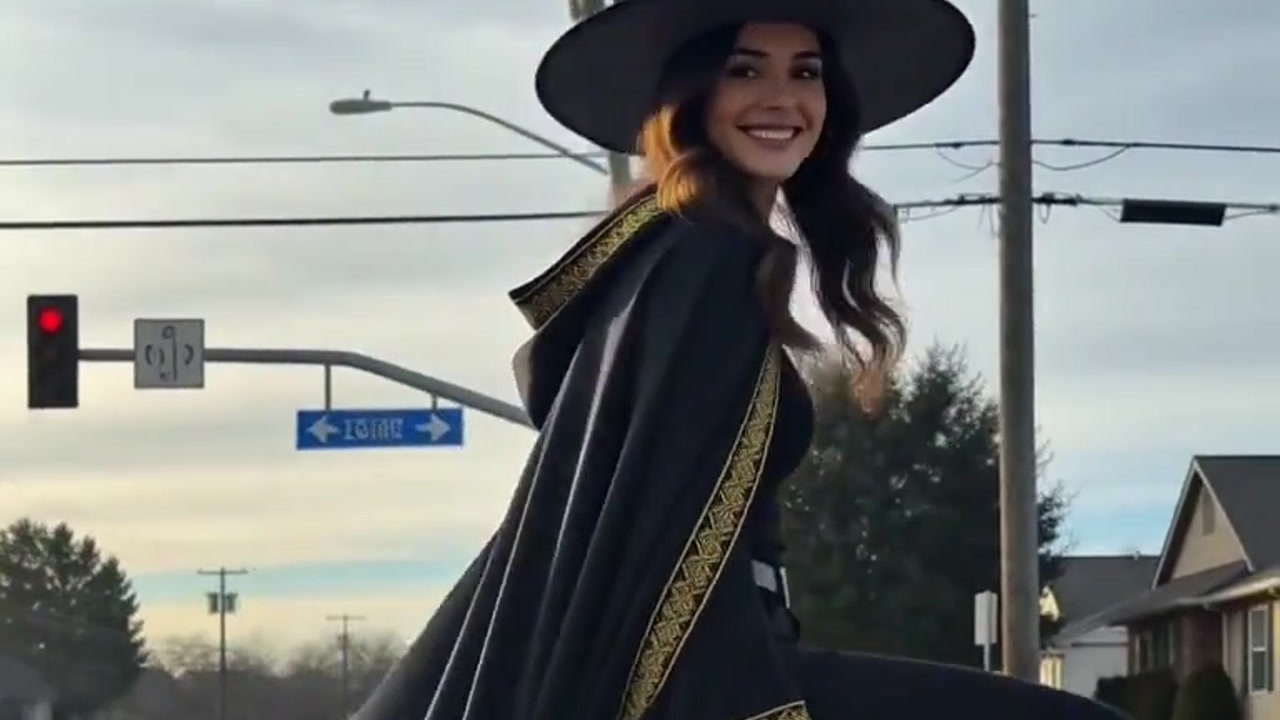
- Autumn Witch: you fly on a broomstick in orange tulle above a glowing town. Uses your own photo.
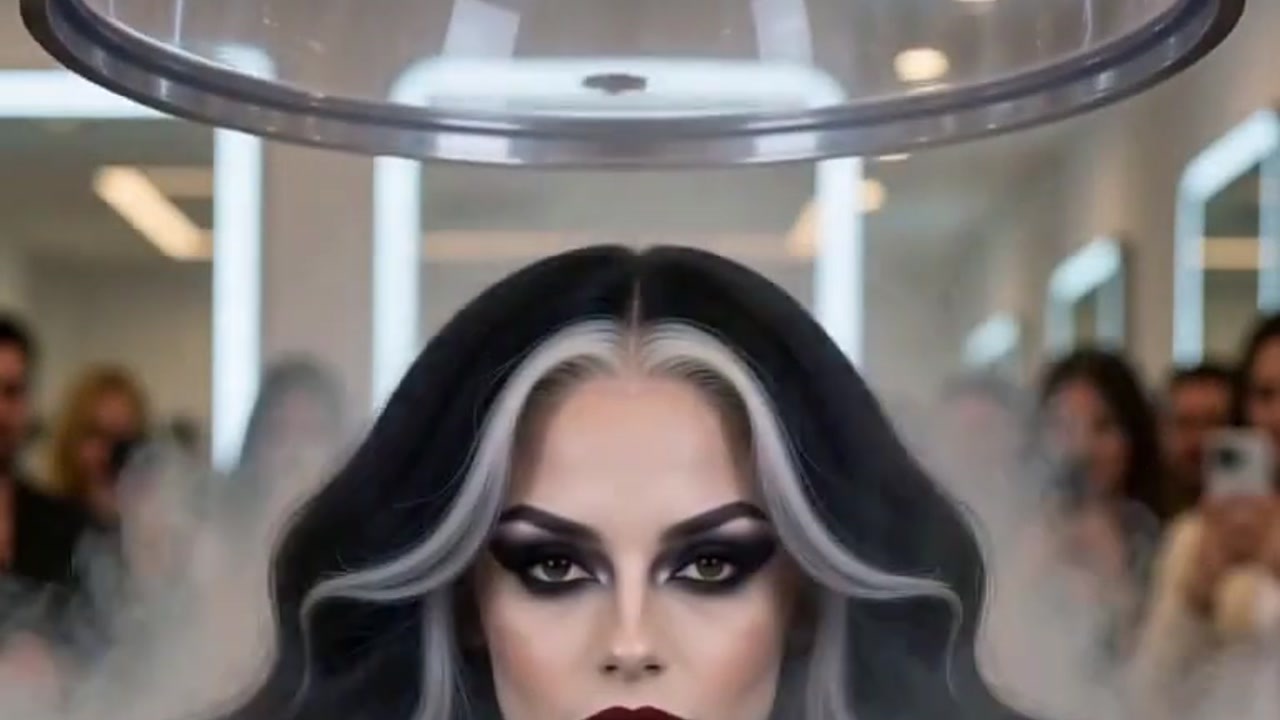
- Vampire Bride: a dark gothic wedding portrait, all in white and candlelit. Uses your own photo.
- Werewolf? More Like Werepup: a full-moon werewolf transformation that ends in a tiny wolf cub. Uses your own photo. Step-by-step guides: How to Make an Autumn Witch AI Video and How to Make a Werewolf-to-Werepup Transformation Video with AI. Browse every seasonal option in the festival templates category.
FAQ
Does my pet need to wear a costume in the photo?
No. The template puts your pet in the pumpkin costume. A photo without a costume is the safer choice, because it shows the face and fur the template asks for.
Does it work with both cats and dogs?
The upload hint asks for a clear pet photo that shows the face and fur, and it doesn't name a species. A sharp photo of a cat or a dog that shows the face and coat fits that hint, though results can vary from pet to pet.
Is the Trick or Treat (pet edition) template free?
New accounts get free sign-up credits you can use for generations. After that, the cost depends on the tool, model and settings. Paid plans export without a watermark.
What happens if the video doesn't generate?
If a generation fails because of a processing error, a timeout or a content safety check, the credits are returned to your account automatically. You can then try again, or upload a clearer photo.
Make Your Pet's Trick-or-Treat Video
Upload one clear photo of your pet and turn it into a pumpkin-costume Halloween video you can share.