What Is GPT Image 2.5? Flare, Sunburst and How to Use It
Versein Team · Updated
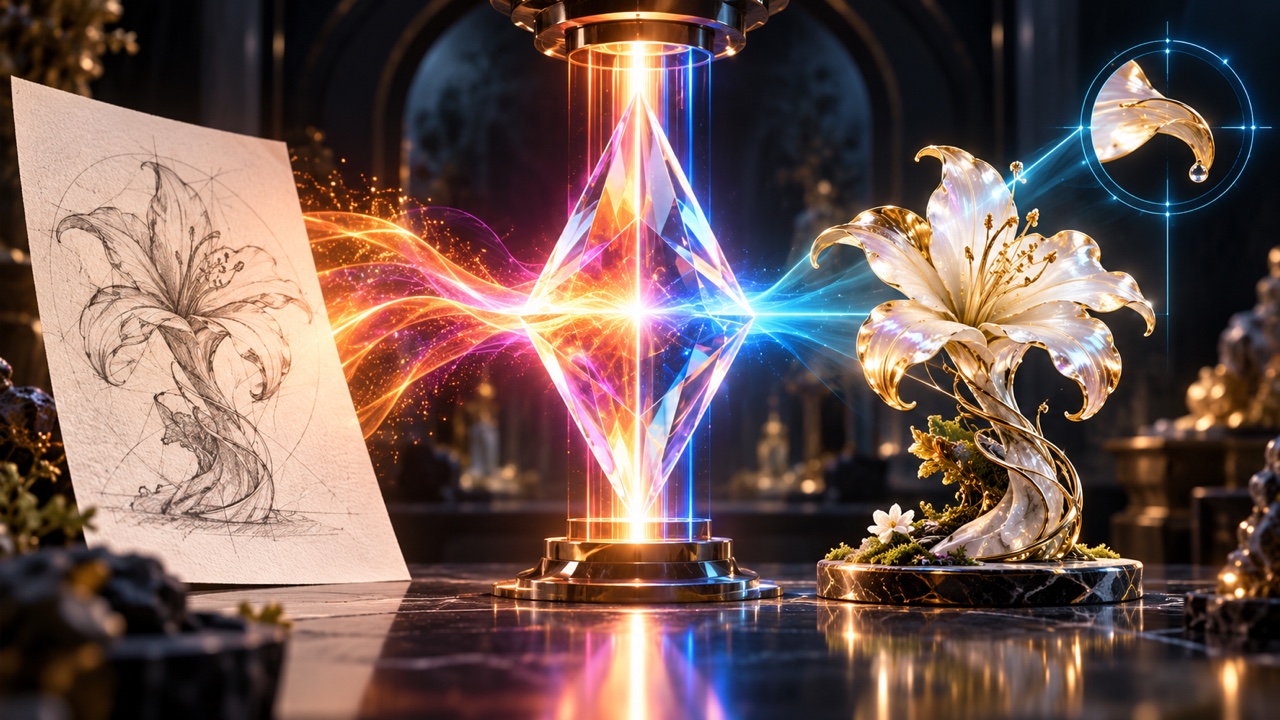
GPT Image 2.5 is OpenAI's model family for generating and editing images, and it comes in two tiers: Flare for fast, everyday work and Sunburst for edits where precision matters most. Both take text and images as input and return an image. OpenAI's announcement says it is rolling out to ChatGPT users, and you can also use it through the OpenAI API or on VerseIn without code.
Key Takeaways
- GPT Image 2.5 has two tiers: Flare, which OpenAI calls its fastest image model, and Sunburst, which OpenAI calls its most capable model for generation and editing.
- Both tiers create images from prompts, edit images you upload, support inpainting, and output PNG, JPEG or WebP.
- OpenAI says text rendering, character consistency and precise layout can still be weak, so review every image before you publish it.
- On VerseIn, you open a tier, write a prompt or add references, choose 1K, 2K or 4K and an aspect ratio, then generate.
What is GPT Image 2.5?
GPT Image 2.5 is an AI model that turns a written prompt into an image and can also change images you supply. You describe what you want, add reference photos if you have them, and the model returns a finished picture.
OpenAI publishes it as two separate models, GPT Image 2.5 Flare and GPT Image 2.5 Sunburst, rather than one model with a speed setting. They share the same inputs, outputs and core image features, so the choice comes down to the job in front of you.
When did GPT Image 2.5 come out?
OpenAI's model pages list snapshots for both tiers dated September 8, 2026. OpenAI introduced the models in its announcement, Introducing ChatGPT Images 2.5.
Flare vs Sunburst: what is the difference?
Flare is the general-purpose, faster tier, while Sunburst is the tier OpenAI points to for careful, multi-step editing. Here is how OpenAI and VerseIn describe each one.
| Flare | Sunburst | |
|---|---|---|
| OpenAI's description | "our fastest model for high-quality, everyday image generation" | "most capable model for image generation and editing" |
| OpenAI's guidance | The announcement calls it the "default choice for most applications" | The image generation guide says: "Choose Sunburst for workflows where editing precision matters most" |
| Speed | Positioned as the faster tier | The announcement mentions longer generation times |
| Responses API | Supported through the image generation tool | Supported through the image generation tool |
| API price | Same as Sunburst | Same as Flare |
| VerseIn label | "OpenAI's fast tier" | "OpenAI's precision tier" |
| Reference images on VerseIn | Optional (Flare also accepts saved characters) | Optional; VerseIn lists up to 16 |
The announcement also describes Sunburst as "built for premium visual workflows that benefit from tighter control across edits." For a full side-by-side and job-by-job suggestions, read GPT Image 2.5 Flare vs Sunburst: Which One to Use.
What can GPT Image 2.5 do?
Both tiers support the same core features in OpenAI's API:
- Text-to-image: create an image from a written prompt.
- Image editing: send one or more images with instructions and get an edited version back.
- Inpainting: change only the area you mark with a mask and leave the rest alone.
- Quality levels: low, medium, high, xhigh, max or auto. The xhigh and max levels are new in 2.5.
- File formats: PNG (the default), JPEG or WebP.
- Transparent backgrounds: available with PNG or WebP output, which is handy for logos, stickers and product cutouts.
- Batch requests: submit many jobs at once through the Batch API.
These are API features. Each app decides which controls it shows, so check the model page you use. On VerseIn, the GPT Image 2.5 pages cover text-to-image and image-to-image with a prompt, optional reference images, a size and an aspect ratio.
What image sizes does GPT Image 2.5 support?
In the API, GPT Image 2.5 has three preset sizes: 1024x1024 (square), 1536x1024 (landscape) and 1024x1536 (portrait). You can also request a custom size if both edges are multiples of 16, the shape stays between 1:3 and 3:1, and no edge goes above 3840 pixels. OpenAI labels any size above 2560x1440 as "experimental."
On VerseIn, you pick 1K, 2K or 4K, plus one of 12 aspect ratios for either tier: 1:1, 3:2, 2:3, 16:9, 9:16, 4:3, 3:4, 21:9, 27:16, 16:27, 9:8 and 8:9. As a rough guide, 9:16 suits stories and vertical video covers, 16:9 suits thumbnails and banners, and 1:1 suits square feed posts.
Because OpenAI calls its largest sizes experimental, we suggest testing a prompt at 1K or 2K first and moving to 4K once the composition is right.
What are the limitations of GPT Image 2.5?
OpenAI lists several limitations in its image generation guide:
- Slow complex prompts: a complex prompt can take up to about 2 minutes.
- Text rendering: words inside an image can still come out wrong.
- Character consistency: the same person or mascot may change between images.
- Precise layout: exact placement of elements is not guaranteed.
- Masks with several images: when you send more than one input image, the mask applies to the first image only.
A few habits help with these. Keep in-image text short and proofread it before posting. When you edit with a mask, put the image you want changed first. For a recurring character, reuse the same reference images each time instead of relying on the prompt alone.
Where can you use GPT Image 2.5?
ChatGPT
OpenAI's announcement says GPT Image 2.5 is rolling out to all ChatGPT users. Which tier ChatGPT uses for a given request, and any plan limits, are set by OpenAI.
OpenAI API
Developers can call either tier through the generations and edits endpoints. Both tiers cost the same per OpenAI's model pages:
| Token type | Price per 1M tokens |
|---|---|
| Text input | $5 |
| Image input | $8 |
| Image output | $30 ($15 with Batch) |
OpenAI does not publish a per-image price for GPT Image 2.5.
VerseIn
VerseIn gives you both tiers in a browser at the VerseIn web app, with no API key or code. Each generation uses credits, and the amount depends on the tool, model and settings. Per the pricing page, "You'll always see the total cost before you confirm," and credits come back automatically if a generation fails because of a processing error, timeout or content safety check.
The same studio also offers other image models, such as Google's Nano Banana family. For how they line up, see GPT Image 2.5 vs Nano Banana 2: Specs and Use Cases and our roundup of the best AI image generators.
How do you use GPT Image 2.5 on VerseIn?
- Open a model page. Choose GPT Image 2.5 Flare for quick drafts or GPT Image 2.5 Sunburst for detailed edits.
- Write your prompt. Describe the subject, setting, style and any text you want in the image. At the time of writing, VerseIn shows a prompt allowance of 20,000 for both tiers; check the live counter because the interface does not label the counting unit here and product limits can change.
- Add reference images (optional). Upload a product photo or style sample to guide the result (Flare also accepts saved characters), or skip this for pure text-to-image.
- Pick a size and aspect ratio. Choose 1K, 2K or 4K, then the shape that fits where the image will appear.
- Generate. Check the credit cost shown, confirm, and find the finished image in your Media library.
If a result is close but not quite right, change one thing in the prompt at a time so you can see which change caused which effect.
FAQ
Is GPT Image 2.5 free to use?
It depends on where you use it. ChatGPT access and limits are set by OpenAI, while the OpenAI API charges per token. On VerseIn, new accounts get free sign-up credits that you can spend on GPT Image 2.5 or other models.
How is GPT Image 2.5 different from GPT Image 2?
OpenAI's announcement claims Flare delivers higher quality than GPT Image 2 at 50% lower latency; this is OpenAI's claim, which we have not tested. At the time of writing, VerseIn shows 9 aspect ratios and a prompt allowance of 4,500 on the GPT Image 2 page, while the GPT Image 2.5 pages show 12 aspect ratios and an allowance of 20,000. The interface values may change, and this comparison does not assume a counting unit that the live page does not label.
Does GPT Image 2.5 add a watermark?
OpenAI's announcement says images carry C2PA metadata plus invisible watermarking, which help show that an image was made with AI. Separately, VerseIn's paid plans export without a watermark. That refers to VerseIn's own exports and is separate from the provenance data OpenAI describes.
Can I use GPT Image 2.5 on my phone?
VerseIn has iOS and Android apps alongside the web app, available on the App Store and Google Play through the links in the site footer. Check the image model list in the app to see whether GPT Image 2.5 is available there.
Try GPT Image 2.5 Flare on VerseIn
Write a prompt or add references, pick 1K, 2K or 4K, and generate. New accounts get free sign-up credits.