GPT Image 2.5 Flare vs Sunburst: Which One to Use
Versein Team · Updated
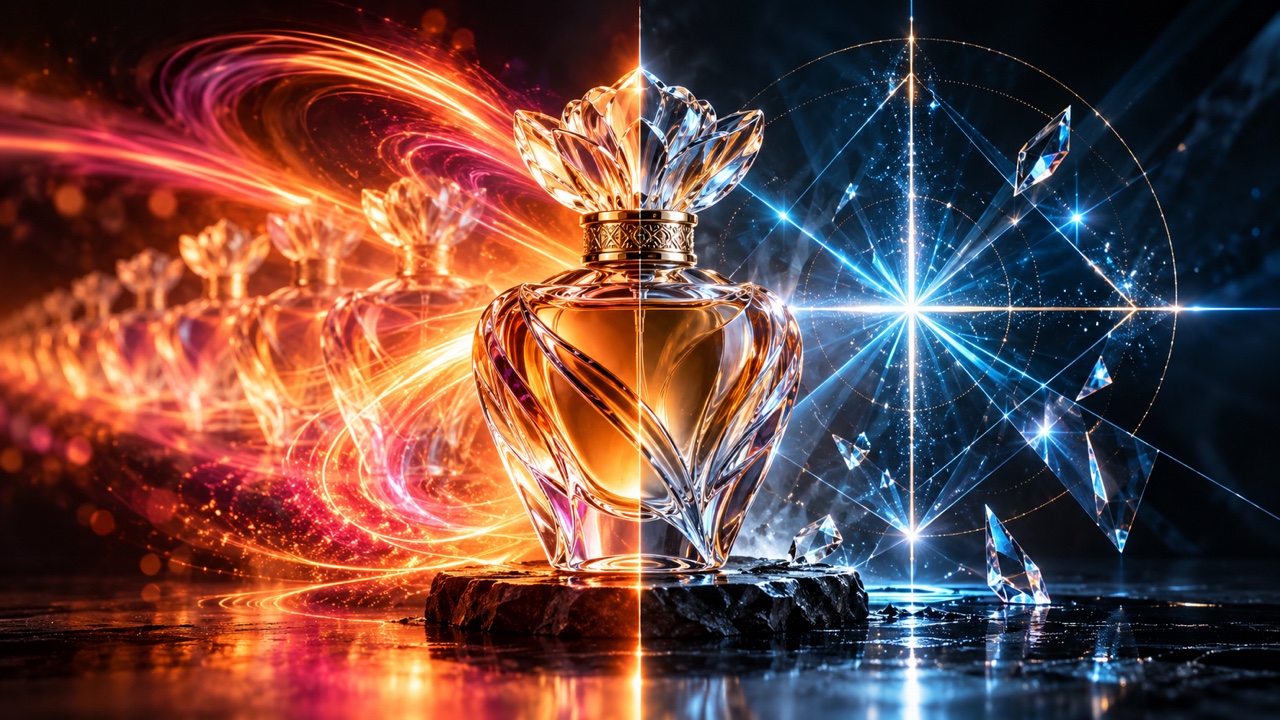
Use GPT Image 2.5 Flare for everyday generation and quick rounds of prompt changes, and switch to Sunburst when editing precision matters most. The two tiers share their inputs, output sizes, quality settings and API token rates. Everything here comes from OpenAI's published documentation and announcement plus VerseIn's model pages; no side-by-side output tests were run.
Key Takeaways
- OpenAI positions Flare as its fastest everyday tier and Sunburst as its most capable tier for generation and editing.
- Sizes, quality levels, output formats and API token rates are the same on both.
- Both tiers are listed for the Image API and the Responses API image generation tool; OpenAI's announcement notes that Sunburst can take longer to generate.
- A practical pattern: explore ideas with Flare, then move a chosen image to Sunburst for demanding edits.
New to the model family? Start with What Is GPT Image 2.5? for the basics.
Flare vs Sunburst at a glance
Most rows match. The differences sit in positioning, API access and how VerseIn lists reference images.
| Spec | Flare | Sunburst |
|---|---|---|
| Suggested use | Everyday generation, fast iteration | Edits where precision matters most |
| Inputs and output | Text and images in, image out | Same (per OpenAI's image generation guide, applies to GPT Image 2.5) |
| OpenAI Image API | Generations and edits endpoints, Batch, inpainting | Same (per OpenAI's image generation guide, applies to GPT Image 2.5) |
| Quality levels | low, medium, high, xhigh, max, auto | Same (per OpenAI's image generation guide, applies to GPT Image 2.5) |
| Output formats | png (default), jpeg, webp; transparent backgrounds with png or webp | Same (per OpenAI's image generation guide, applies to GPT Image 2.5) |
| Sizes | Presets 1024x1024, 1536x1024, 1024x1536; custom sizes in multiples of 16, ratio between 1:3 and 3:1, no edge above 3840 px | Same (per OpenAI's image generation guide, applies to GPT Image 2.5) |
| API token rates | Identical on both (see pricing below) | Same |
| VerseIn description | "OpenAI's fast tier" | "OpenAI's precision tier" |
| Reference images on VerseIn | Optional; saved characters can be used as references | Optional; VerseIn lists up to 16 |
| Prompt allowance shown on VerseIn | 20,000 (unit not labeled on the live interface) | 20,000 (unit not labeled on the live interface) |
Sources: OpenAI's Flare model page, Sunburst model page and image generation guide (snapshots dated 2026-09-08), plus VerseIn's Flare and Sunburst pages. The xhigh and max quality levels are new in 2.5.
How OpenAI positions each tier
Flare: the everyday default
OpenAI's Flare model page calls it "our fastest model for high-quality, everyday image generation." OpenAI's current image generation guide lists Flare for both the Image API and the Responses API image generation tool.
OpenAI's announcement describes Flare as the default choice for most applications and says it delivers higher quality than GPT-Image-2 at 50% lower latency. That is OpenAI's own claim, not an independent benchmark.
Sunburst: the precision tier
The Sunburst model page calls it OpenAI's "most capable model for image generation and editing." The image generation guide is direct about when to reach for it: "Choose Sunburst for workflows where editing precision matters most."
The announcement describes Sunburst as built for premium visual workflows that benefit from tighter control across edits, and notes that it has longer generation times. OpenAI's current image generation guide lists Sunburst for both the Image API and the Responses API image generation tool.
VerseIn's Sunburst page labels it "OpenAI's precision tier" and describes it as following complex multi-part instructions and holding up across references.
Pricing: the same token rates for both
OpenAI bills Flare and Sunburst at identical API token rates (Flare and Sunburst model pages). Text input costs $5 per 1M tokens and image input $8 per 1M tokens. Image output costs $30 per 1M tokens, or $15 through Batch.
OpenAI has not published a per-image price for GPT Image 2.5, or how many tokens each tier uses per image. Because billing is per token, the cost of a single picture depends on its inputs and settings, and it may differ between the tiers even at the same rates.
Limits that apply to both tiers
Picking Sunburst does not remove the weak spots OpenAI lists for GPT Image 2.5 in its image generation guide:
- Complex prompts can take up to about 2 minutes.
- Text rendering, character consistency and precise layout can still be weak.
- When you send several input images, the mask applies to the first image.
- Sizes above 2560x1440 are "experimental."
For posters, product labels or anything with words in it, check every letter before you publish, whichever tier made the image.
Which tier fits which job
These are suggestions based on how OpenAI and VerseIn describe each tier, not results from testing.
Choose Flare when speed of iteration matters
- Drafting social posts, thumbnails or ad concepts where you want many variations to pick from.
- Trying different styles, framings or aspect ratios before you commit to one direction.
- Simple product or lifestyle shots with short, clear prompts.
- Choosing a speed-first model for API workflows where rapid iteration matters.
Choose Sunburst when the edit has to be exact
The first two cases follow VerseIn's description of Sunburst; the last two follow OpenAI's.
- Multi-part instructions in one request, such as changing a product's color, keeping the background, and moving the item to the left third of the frame.
- Edits that pull from several reference images, like a product, a model and a set.
- Final rounds on a campaign image, where tighter control across edits is worth the longer wait.
- Inpainting work where you need the change to stay inside a defined area. With several input images, put the image you want masked first.
If a job falls in between, start with Flare, in line with OpenAI's positioning. Move to Sunburst when you need the tighter control across edits OpenAI describes.
Using Flare and Sunburst on VerseIn
Both models are available on VerseIn for text-to-image and image-to-image work, with a 1K, 2K or 4K size selector and the same 12 aspect ratios: 1:1, 3:2, 2:3, 16:9, 9:16, 4:3, 3:4, 21:9, 27:16, 16:27, 9:8 and 8:9.
- Open GPT Image 2.5 Flare on VerseIn or the Sunburst model page.
- Write your prompt, or add reference images if you are editing.
- Pick the size and aspect ratio.
- Generate. Results are saved to your Media library.
Credits are used whenever you generate, and the amount depends on the tool, model and settings. As VerseIn's pricing page puts it, "You'll always see the total cost before you confirm." If a generation fails because of a processing error, a timeout or a content safety check, the credits are returned automatically.
Comparing beyond OpenAI's models? See the best AI image generators roundup.
FAQ
Can I start with Flare and finish with Sunburst?
Yes. Both tiers accept images as input, so you can take a Flare result you like and use it as a reference image in Sunburst for the detailed edit. On VerseIn, both model pages accept reference images, and your Flare results are already in your Media library.
Is Sunburst always the safer pick?
Not necessarily. OpenAI says Sunburst takes longer to generate, while the limits OpenAI lists for GPT Image 2.5 apply to both tiers. For quick drafts, Sunburst's extra control may only add wait time. API availability and model defaults can change, so check the current model guide when you build an integration.
Do Flare and Sunburst images carry a watermark or provenance data?
OpenAI's announcement says GPT Image 2.5 images include C2PA metadata plus invisible watermarking. The announcement covers the model family, so treat this as applying to both tiers unless OpenAI says otherwise.
How does GPT Image 2.5 compare with Nano Banana 2?
The two families differ in sizes, aspect ratios, reference limits and how the API is priced. See GPT Image 2.5 vs Nano Banana 2: Specs and Use Cases for a full spec comparison.
Try GPT Image 2.5 Flare on VerseIn
Write a prompt or add reference images, pick 1K, 2K or 4K, and generate. New accounts get free sign-up credits.