How to Make Faceless YouTube Videos with AI
Versein Team · Updated
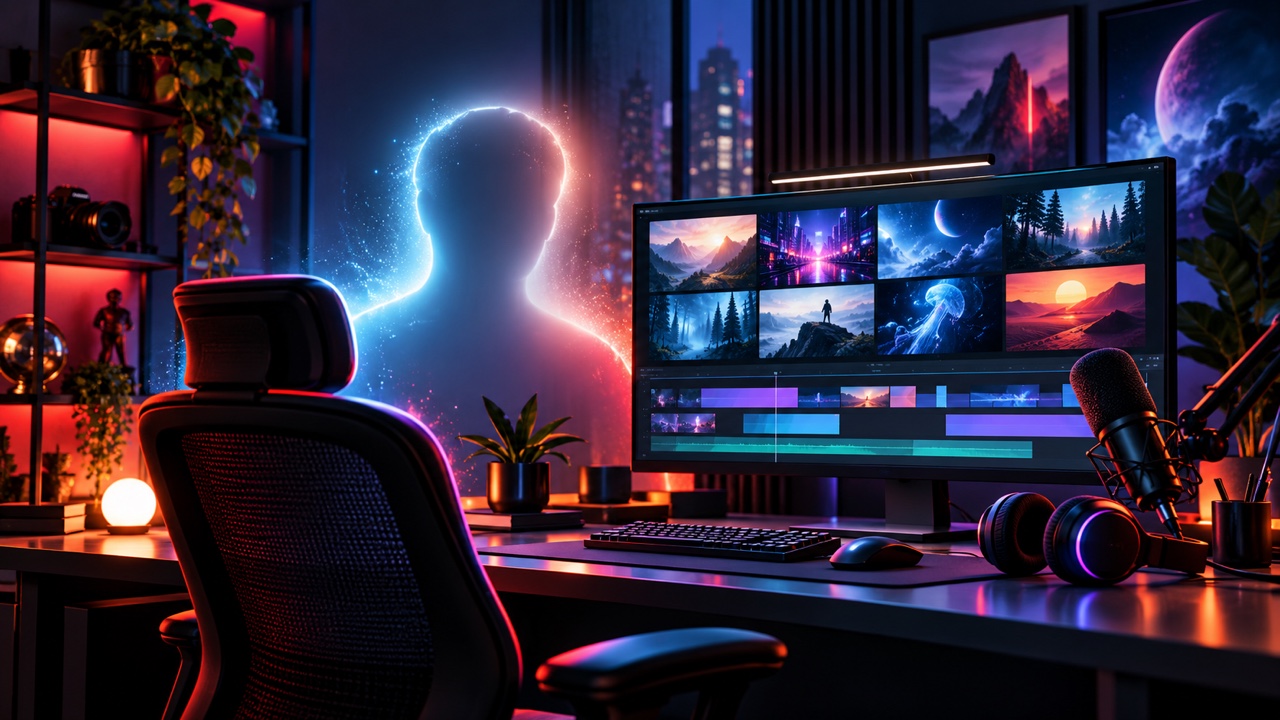
A faceless YouTube video is one where you never appear on camera: a narrator's voice carries the story over visuals, music and sound. To make one with AI, write your own script, voice it, build the visuals one shot at a time, add music and effects, then edit and upload with an AI disclosure where it applies. Beyond meeting YouTube's eligibility thresholds, the format matters more than the tools for monetization: YouTube can monetize videos with a clear narrative or real commentary and excludes mass-produced template content.
Key Takeaways
- Plan a series with a story, recurring characters or a clear teaching goal before you generate a single clip.
- Write the script in your own words and voice it with one consistent voice for the whole series.
- Build the video shot by shot, reusing the same characters and style line in every prompt.
- Use generated or licensed music, and disclose realistic AI content when you upload.
What "faceless" means and what YouTube will monetize
A faceless channel replaces the on-camera host with narration and visuals. The visuals can be animation, illustrations, screen recordings or generated video clips. Creators are using AI for this work: more than 1 million channels used YouTube's own AI creation tools daily in December 2025, according to YouTube's CEO letter from January 2026.
Monetization is the part that needs planning. On July 15, 2025, YouTube renamed its "repetitious content" policy to "inauthentic content" and said this kind of content "has always been ineligible for monetization," according to YouTube's channel monetization policies. A clarification rolled out on July 16, 2026, grouped inauthentic content into three kinds: generic, repetitive or template-based videos; off-putting or distressing content; and AI personas on sensitive topics, as TechCrunch reported.
Here is how the monetization policy page draws the line:
| OK | Not OK |
|---|---|
| Videos made with automated tools or templates, when the final video shows creative vision | "Image slideshows, templated storylines, or scrolling text" with minimal or no narrative, commentary or educational value |
| Recurring characters: "a series following a set of characters across episodes" | AI-generated content made with "generic or unoriginal templates" that gives the impression of mass production |
| The same intro and outro on every video, when the bulk of each video is different | Content that "lacks a clear narrative arc or logical progression" |
Two more limits on the same page matter for faceless channels. Reused content, meaning repurposed material from others, is not monetizable even if you have permission, and that includes "readings of other materials you did not originally create." AI personas presented as experts on health, legal, financial or political topics can't be monetized either.
The practical test for every video is simple: does it tell a story, explain something or add commentary that only your channel provides? If yes, AI is a production tool. If no, it is a template.
Plan a series format before you generate anything
A series format is a repeatable structure with new substance in every episode. It keeps your production fast and gives each video the narrative arc the policy asks for.
Write a one-page series plan that covers:
- Premise. One sentence on what every episode delivers. For example: "Each episode tells the story of one forgotten invention, from the problem it solved to why it disappeared."
- Characters or narrator. Who the viewer follows. A recurring character, such as a curious fox in a bedtime-story series, gives viewers a reason to come back.
- Style line. A short description of the look (for example, "warm watercolor illustration, soft morning light") that you paste into every visual prompt.
- Episode structure. A hook, a build and a payoff, plus the same intro and outro if you want them.
- Format. Long-form in landscape, Shorts, or both. Shorts can run up to three minutes in square or vertical format for videos uploaded since October 15, 2024, according to YouTube Help on Shorts length.
Keep the plan next to you during production. When a shot or a line doesn't fit the premise, cut it.
How to make a faceless YouTube video in 5 steps
- Write a script for the ear.
- Record the voice-over with one voice.
- Build the visuals shot by shot.
- Add music and sound effects.
- Edit, upload and disclose.
Step 1: Write a script for the ear
By the end of this step, you'll have a finished script, split into scenes, that sounds natural when read aloud.
Write the script yourself. Research from as many sources as you like, but put the explanation in your own words and add your own angle. Narration that reads out someone else's article or post falls under the reused-content limit above.
VerseIn's voice-over guide recommends writing for the ear:
- Use short sentences with one idea each.
- Put punctuation where a person would breathe.
- Spell out numbers, acronyms and names the way they should be said, such as "nineteen twenty-six" instead of "1926."
Split the script into paragraphs, one per scene. Next to each paragraph, note the shot you want on screen:
| Narration | Shot |
|---|---|
| "Pip the fox had never seen snow. Tonight, that was about to change." | Wide shot of a small fox at the edge of a pine forest at dusk, slow push in |
| "The first flake landed on her nose. She froze." | Close-up of a snowflake landing on the fox's nose |
Read the whole script out loud before moving on. If you stumble on a line, the voice will too.
Step 2: Record the voice-over with one voice
Here you turn the script into a clean narration track for every scene, all in the same voice.
Open AI Voice Over and paste your script. VerseIn's voice-over guide recommends picking or saving one voice and keeping it for the whole series, so viewers recognize your channel by ear. For long scripts, the same guide recommends generating paragraph by paragraph or scene by scene, which also makes it easy to redo a single line.
If a line sounds wrong, fix the wording, not the settings.
Only use a cloned voice of a real person if that person has agreed to it.
Listen to the full narration at normal speed. The length of each paragraph now tells you how long each scene needs to be.
Step 3: Build the visuals shot by shot
You need a set of clips that covers every line of narration, with consistent characters and style.
Open Text to Video. VerseIn's Text to Video page recommends writing each prompt as one continuous shot that describes the subject, action, camera move, lighting and style. Then:
- Pick a model.
- Set the length and aspect ratio. The form only shows combinations the chosen model supports.
- Generate, then compare the variations in your library and keep the best one.
The page says clips are generally 4 to 12 seconds long, so a video is built shot by shot. A long narration paragraph may need several shots.
Keep the series consistent. Paste your style line into every prompt. For recurring characters, save the character: the Text to Video page says saved characters keep the same face across clips.
If you start from a picture, such as your own illustration or a product photo, use Image to Video. Upload the photo and write a short motion prompt to animate it as the first frame, or keep the subject and place it in a new scene.
Finished clips can be extended, reframed or upscaled to 2K or 4K. To compare options, see the best AI video upscalers. Don't use a real person's likeness without their agreement.
Play each clip against its line of narration. If a shot doesn't show what the narrator is saying, regenerate it with a more specific prompt.
Step 4: Add music and sound effects
Music and sound effects should support the voice without covering it.
AI Music makes instrumental beds only, with no vocals. VerseIn's music page recommends describing the mood, genre and tempo, setting the length to match your cut, and not naming commercial songs in the prompt.
Generated or licensed music matters on Shorts in particular. YouTube says that, starting September 24, 2026, newly uploaded Shorts longer than one minute with an active copyright claim are no longer automatically blocked and may remain playable. A claim can still affect monetization or lead to other rights-holder actions, so check the notice in YouTube Studio before publishing. See YouTube Help on managing Shorts claims.
For effects, Sound Effects creates Foley, ambience, impacts and UI sounds to a set duration. The sound effects page recommends describing the source, the material and the space, such as "boots crunching on frozen gravel in an empty parking lot."
Play the mix on phone speakers. If you have to strain to hear the narrator, turn the music down.
Step 5: Edit, upload and disclose
The last step puts the finished video on your channel with the right label.
Assemble the video in the editor you already use:
- Lay down the narration track first.
- Cut each shot to the line it illustrates.
- Add the music bed underneath, then the sound effects.
- Add your series intro and outro.
Before you export, check the video against the "Not OK" column in the table above. Every episode should have a clear arc from hook to payoff.
When you upload, add your title, description and thumbnail, then answer YouTube's AI disclosure question in the upload flow. The next section shows when the answer is yes.
What to disclose when you upload
YouTube asks creators to disclose AI-generated or altered content that seems realistic. According to YouTube Help on disclosing altered or synthetic content:
| Disclose | No need to disclose |
|---|---|
| A real person appearing to say or do something they didn't | Clearly unrealistic content |
| Altered real events or places | AI used for scripts, outlines, thumbnails, titles or captions |
| Realistic scenes that didn't actually happen | Cloning your own voice |
| AI-generated or altered music that's the main focus of the video |
The same page says disclosing AI content alone "won't limit a video's audience" or affect its eligibility to earn money.
The label sits below the player on long-form videos and appears as an overlay on Shorts. YouTube also applies a label itself when it detects significant photorealistic AI use, according to the YouTube Official Blog (May 2026). For a realistic-looking history or nature series, disclose it yourself.
FAQ
Can faceless YouTube channels be monetized?
Yes, if the channel meets the YouTube Partner Program requirements and its videos follow the monetization policies. The thresholds are 1,000 subscribers plus 4,000 public watch hours in the last 12 months, or 1,000 subscribers plus 10 million Shorts views in the last 90 days. Meeting them makes a channel eligible to apply. It does not guarantee earnings.
Does YouTube ban AI voices?
YouTube's monetization and AI disclosure pages don't say AI voices are banned or demonetized. The risk depends on what the voice reads: narration of material you didn't create, or a templated video with no narrative, runs into the policies whether the voice is human or AI.
How much does it cost to make a faceless video with AI?
On VerseIn, each generation uses credits, and the amount depends on the tool, model and settings. You'll always see the total cost before you confirm, and if a generation fails because of a processing error, a timeout or a content safety check, the credits are returned automatically. New accounts get free sign-up credits, and paid plans export without a watermark. See the pricing page for current plans.
Generate the first shot of your series
Describe one continuous shot, pick a model and aspect ratio, and compare the variations in your library.